
Choose the right help topic and describe business impact
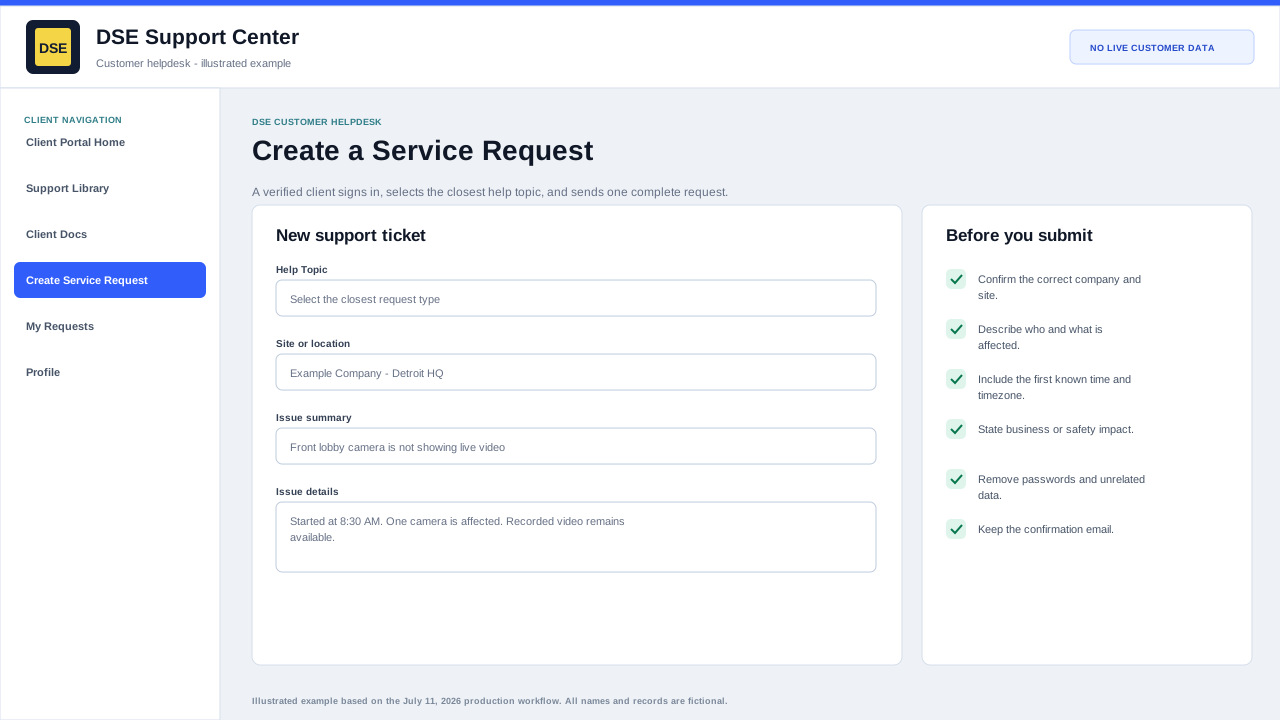
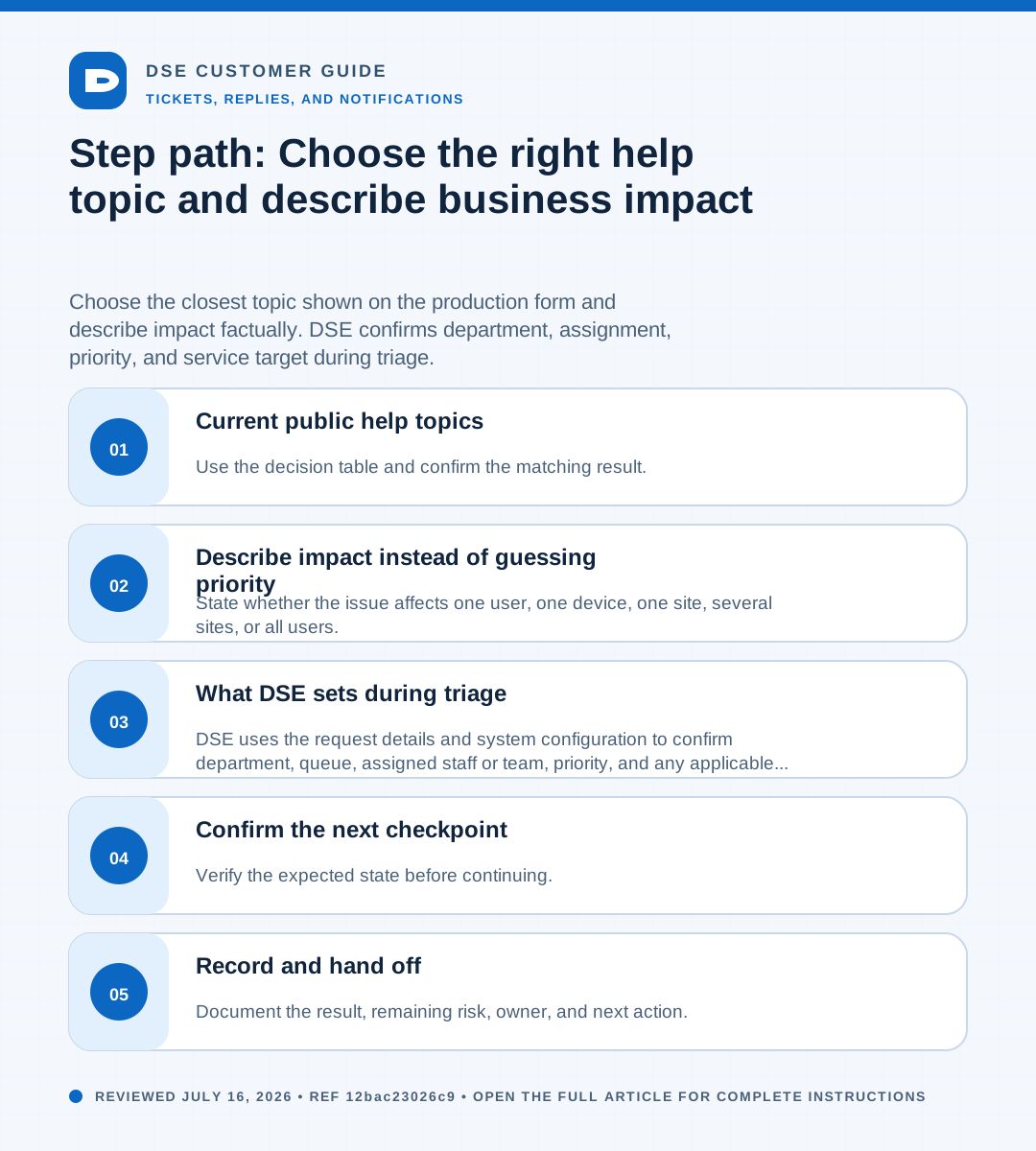
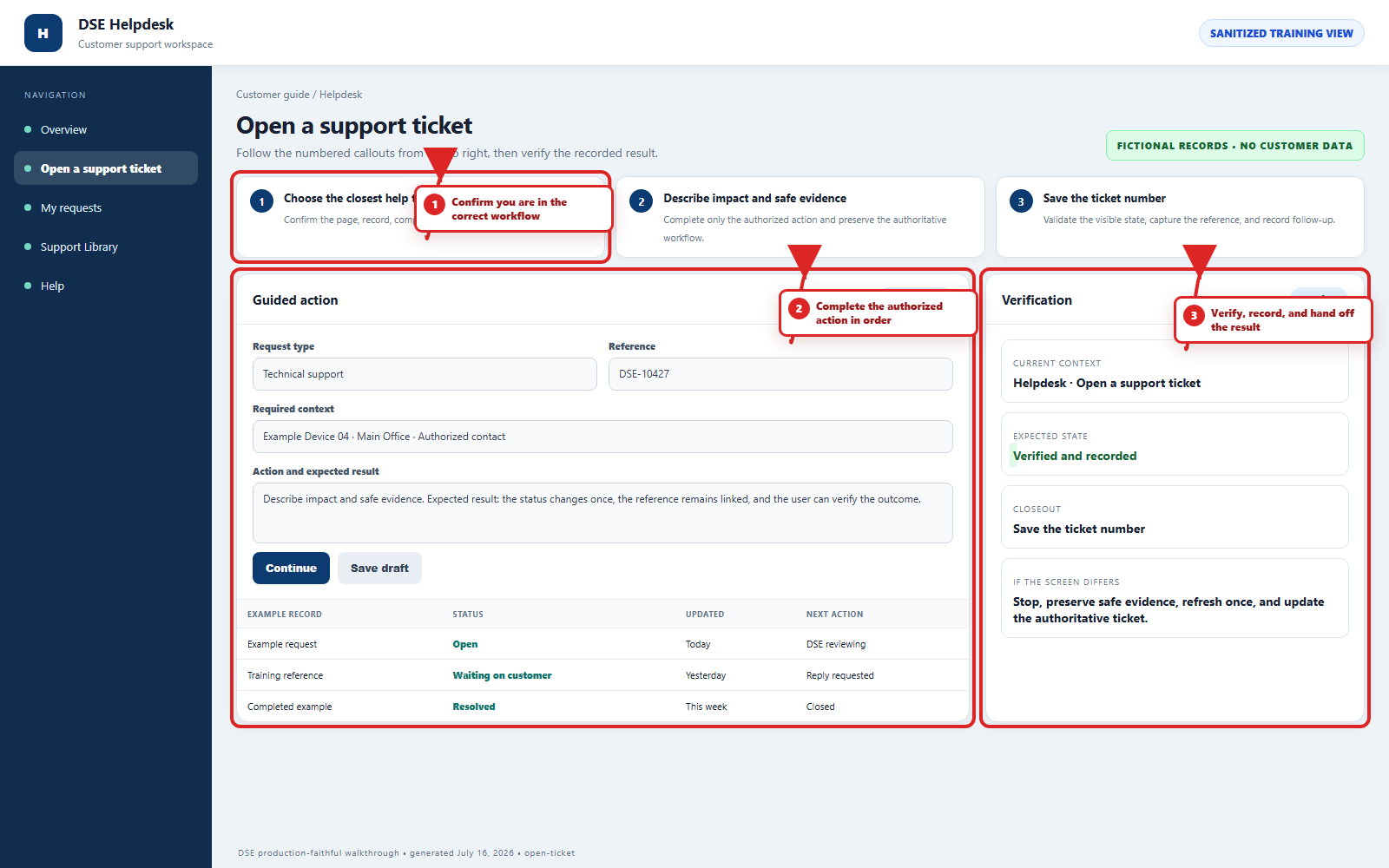
Summary: Choose the closest topic shown on the production form and describe impact factually. DSE confirms department, assignment, priority, and service target during triage.
AudienceDSE customers and authorized contacts
Procedure3 guided sections
Checklist5 specific actions
ReviewedJuly 16, 2026
Visual walkthrough4 visual references for this procedure
01Current public help topics
| Topic | Use it for |
|---|---|
| Customer - Helpdesk | General support when no more specific topic fits. |
| Application Issue | Problems with a business or security application. |
| Network Issue | Connectivity, VPN, wired, wireless, or internet-related symptoms. |
| Workstation Issue | Computer, peripheral, operating-system, or local device problems. |
| Login Issues | Sign-in, password, lockout, or account-access problems. |
| Feedback | Suggestions or feedback that are not an active outage or urgent support issue. |
02Describe impact instead of guessing priority
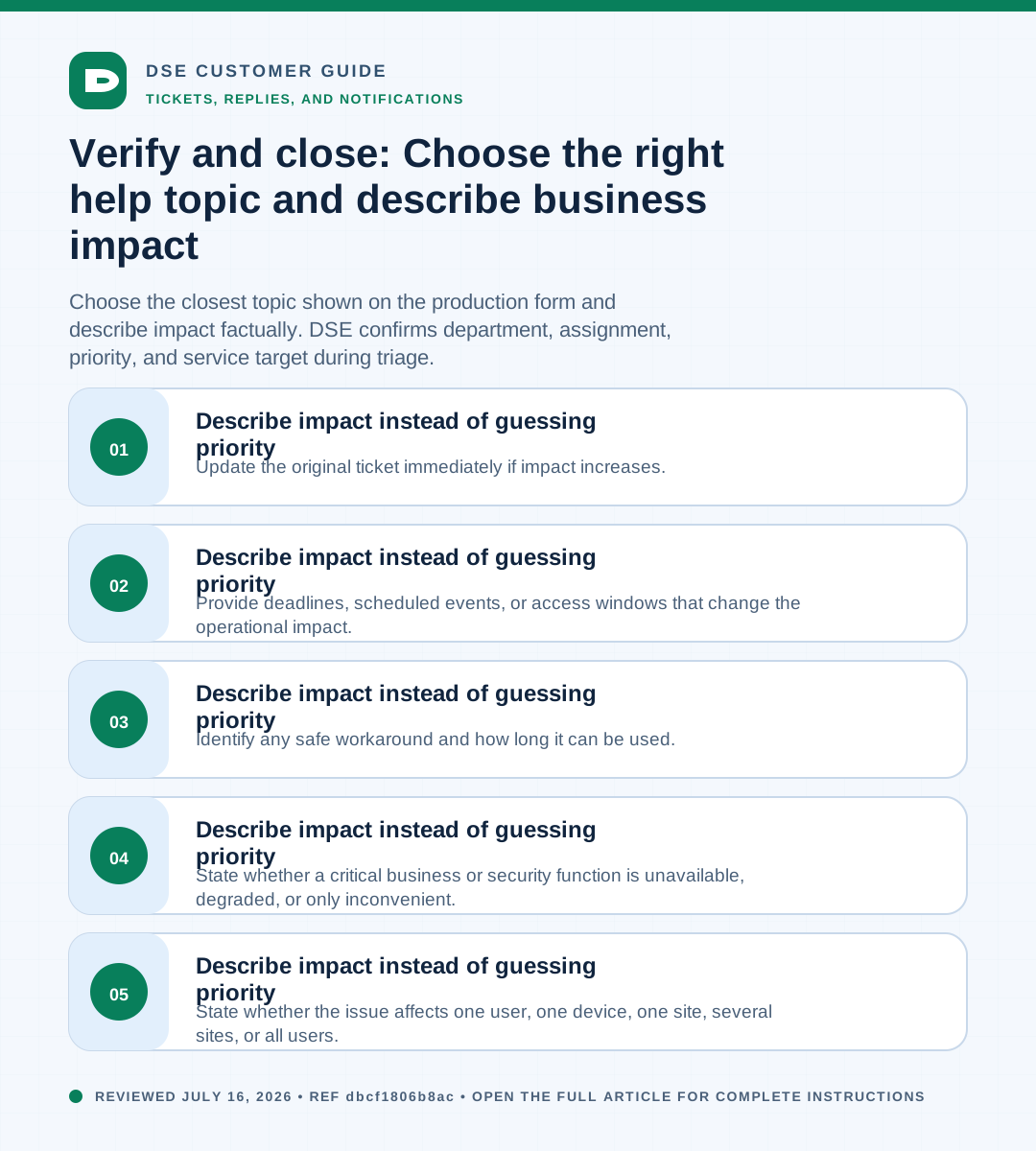
- State whether the issue affects one user, one device, one site, several sites, or all users.
- State whether a critical business or security function is unavailable, degraded, or only inconvenient.
- Identify any safe workaround and how long it can be used.
- Provide deadlines, scheduled events, or access windows that change the operational impact.
- Update the original ticket immediately if impact increases.
03What DSE sets during triage
DSE uses the request details and system configuration to confirm department, queue, assigned staff or team, priority, and any applicable SLA plan.
A selected topic or stated urgency does not by itself promise a response or completion time.
Need a person?
Contact DSE Support →
Open a service request with the details you have.
Include the site, affected device or user, exact error, when it started, urgency, and screenshots when available.