
Escalate urgent or business-impacting issues
Summary: Escalate by updating the existing ticket with measurable impact and current safety status. Use emergency channels first for an immediate threat to life or property.
AudienceDSE customers and authorized contacts
Procedure3 guided sections
Checklist12 specific actions
ReviewedJuly 16, 2026
Visual walkthrough4 visual references for this procedure
01Information DSE needs immediately
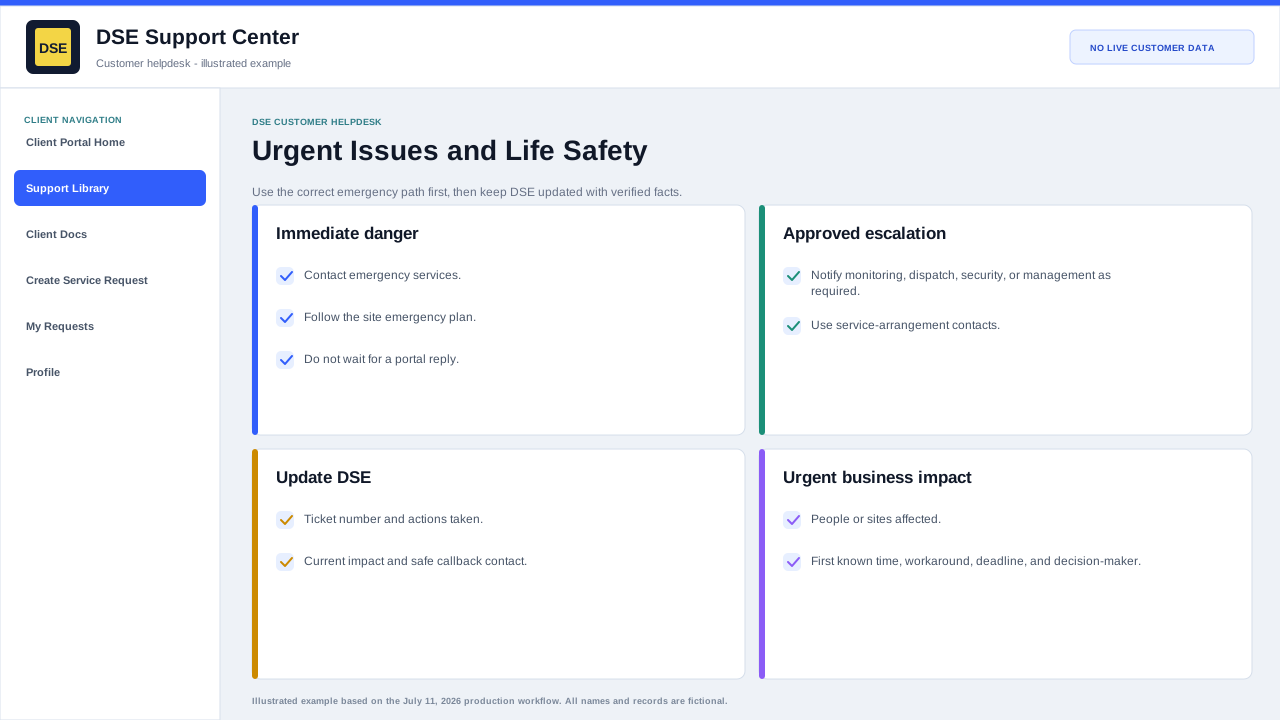
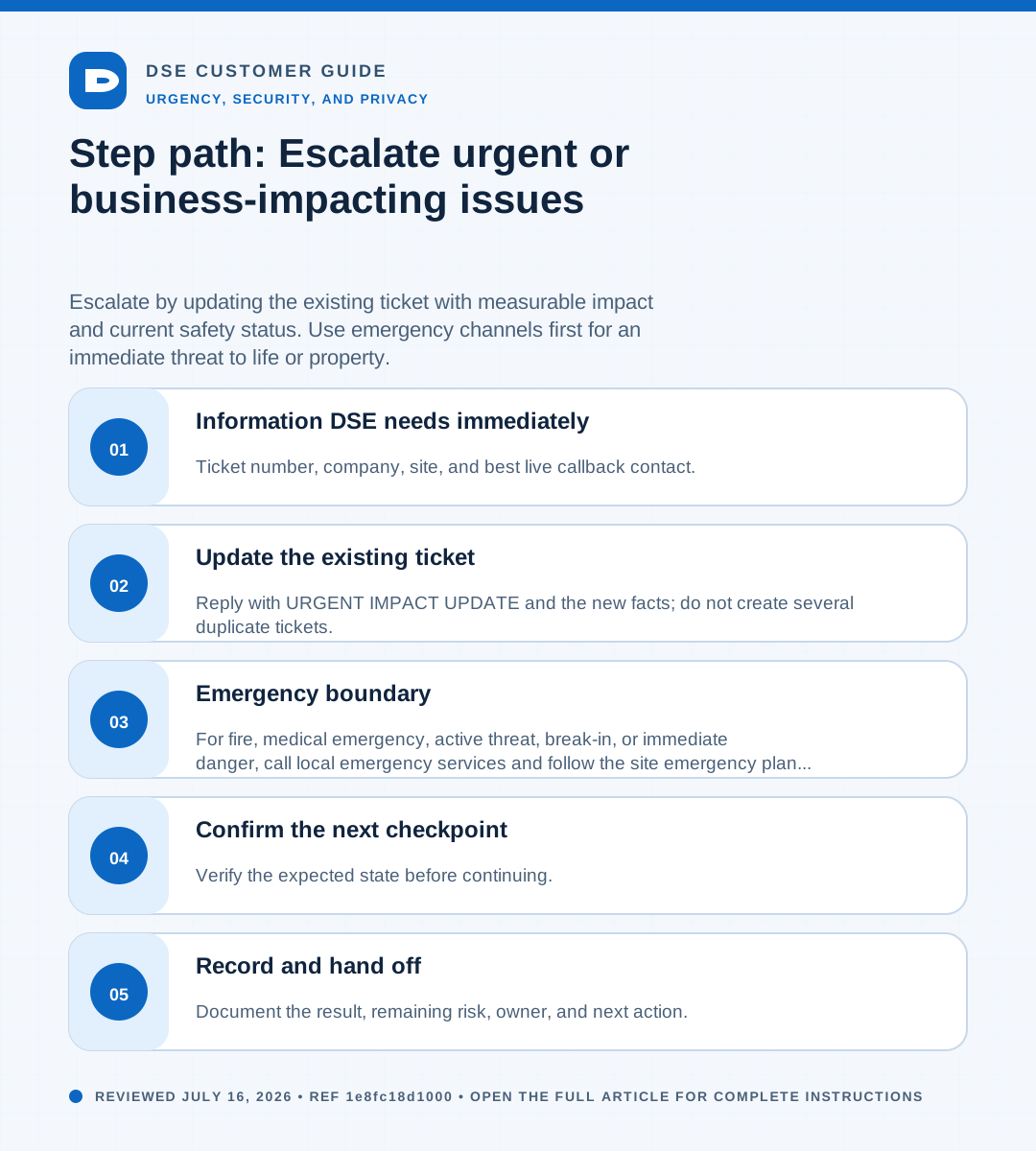
- Ticket number, company, site, and best live callback contact.
- System or function that is unavailable and the exact start time.
- Number of affected people, devices, doors, cameras, locations, or business processes.
- Whether the condition is active, worsening, intermittent, or contained.
- Safe workaround, security coverage, and any site or emergency response already in progress.
02Update the existing ticket
- Reply with URGENT IMPACT UPDATE and the new facts; do not create several duplicate tickets.
- State what changed since the prior update and the deadline or event now at risk.
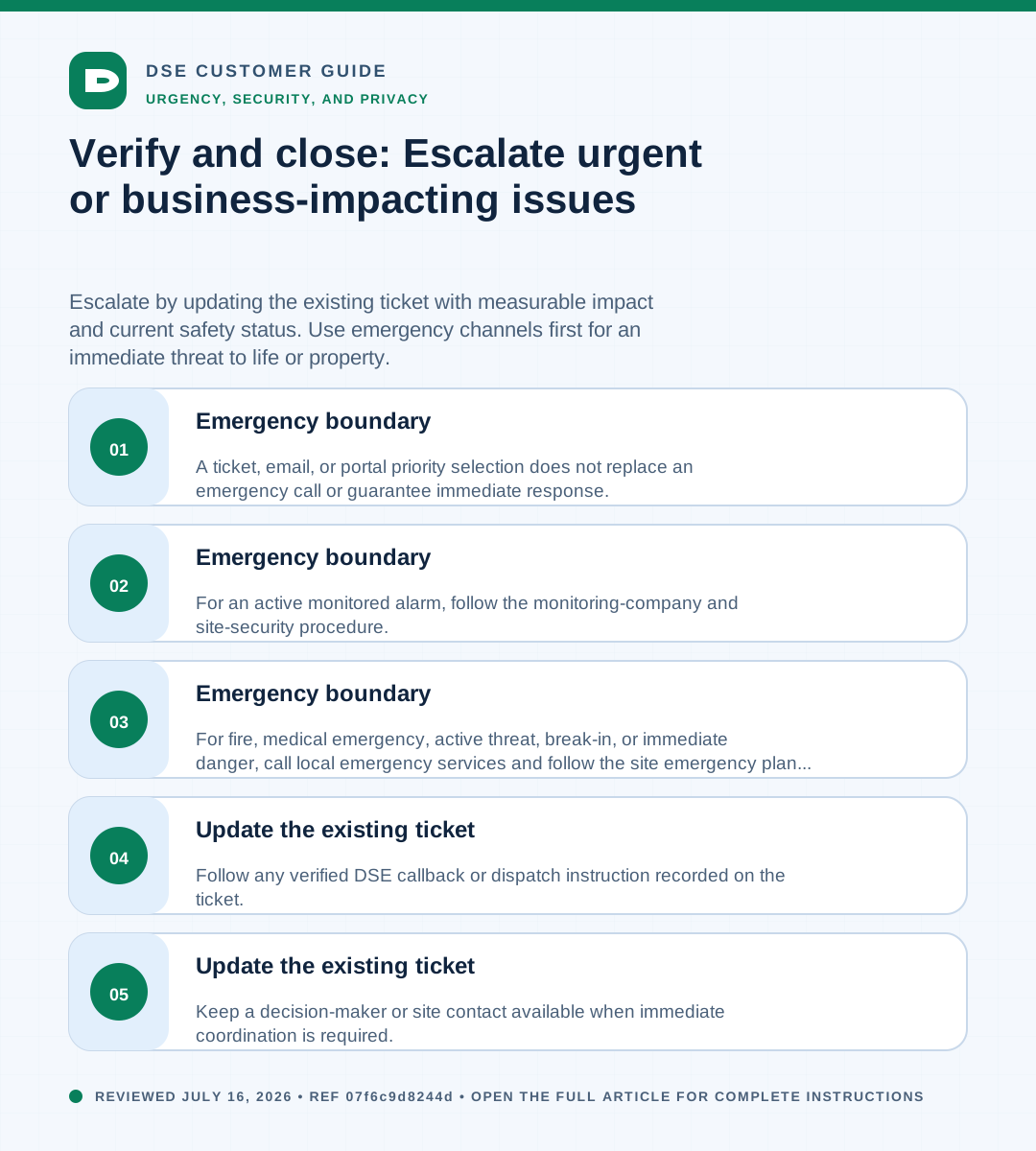
- Keep a decision-maker or site contact available when immediate coordination is required.
- Follow any verified DSE callback or dispatch instruction recorded on the ticket.
03Emergency boundary
- For fire, medical emergency, active threat, break-in, or immediate danger, call local emergency services and follow the site emergency plan first.
- For an active monitored alarm, follow the monitoring-company and site-security procedure.
- A ticket, email, or portal priority selection does not replace an emergency call or guarantee immediate response.
Need a person?
Contact DSE Support →
Open a service request with the details you have.
Include the site, affected device or user, exact error, when it started, urgency, and screenshots when available.