
Open a support ticket by email
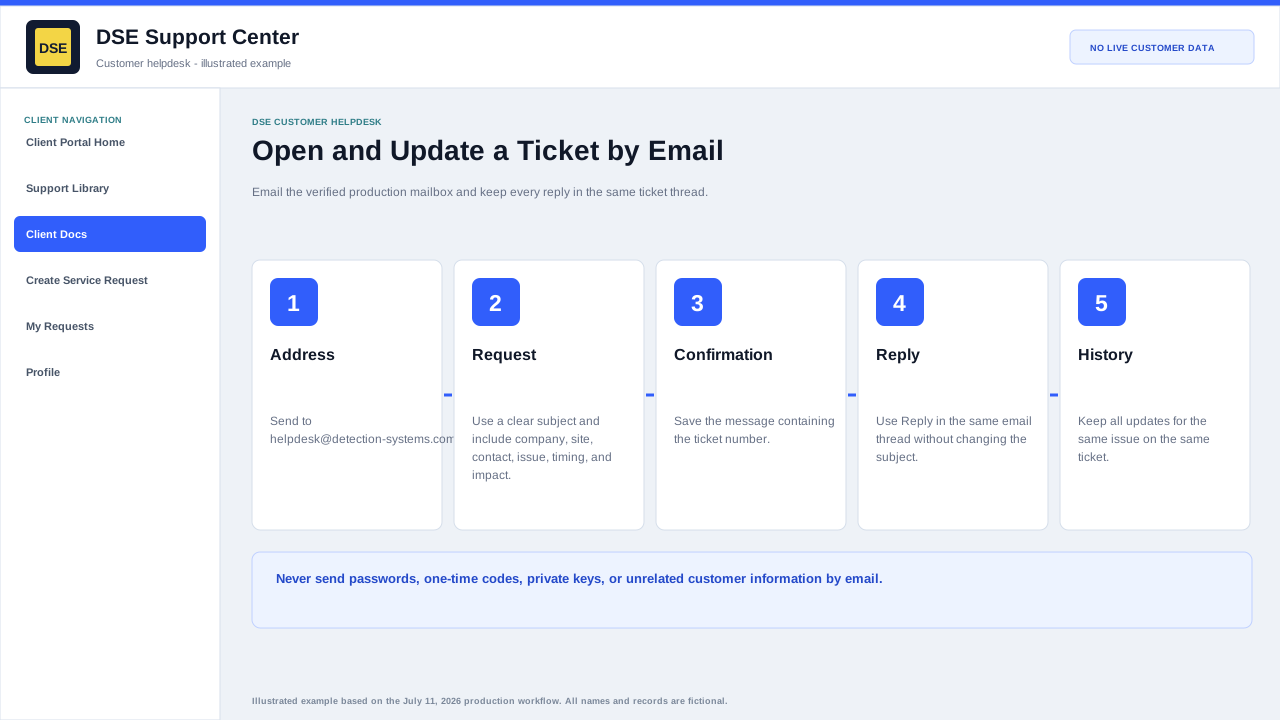
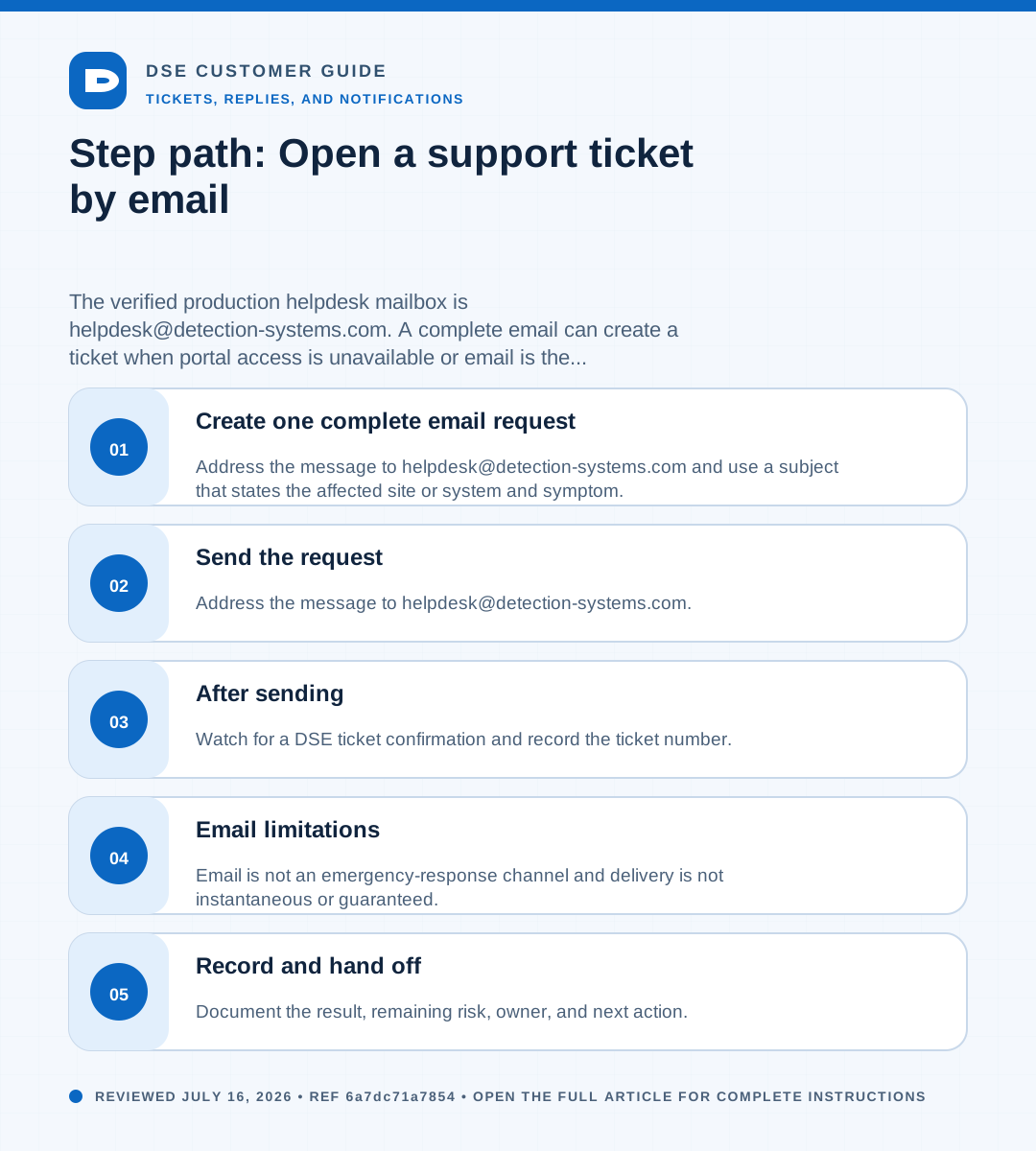
Summary: The verified production helpdesk mailbox is helpdesk@detection-systems.com. A complete email can create a ticket when portal access is unavailable or email is the approved customer workflow.
AudienceDSE customers and authorized contacts
Procedure4 guided sections
Checklist17 specific actions
ReviewedJuly 16, 2026
Visual walkthrough4 visual references for this procedure
01Create one complete email request
- Address the message to helpdesk@detection-systems.com and use a subject that states the affected site or system and symptom.
- Include your name, company, site, callback number, first known time, scope, business impact, and safe troubleshooting already completed.
- Attach only relevant, redacted evidence and remove credentials, financial data, and unrelated people or customers.
- Send once and keep the ticket confirmation. Reply in the same email thread without changing the subject.
- Open a separate ticket only when the new request is unrelated to the original issue.
02Send the request
- Address the message to helpdesk@detection-systems.com.
- Use a subject that names the company or site and the affected system or symptom.
- Include your name, company, site, callback number, affected system, start time, scope, and business impact.
- Attach only safe, relevant files and keep each file at or below 15 MB.
- Send from the business address DSE should associate with the requester.
03After sending
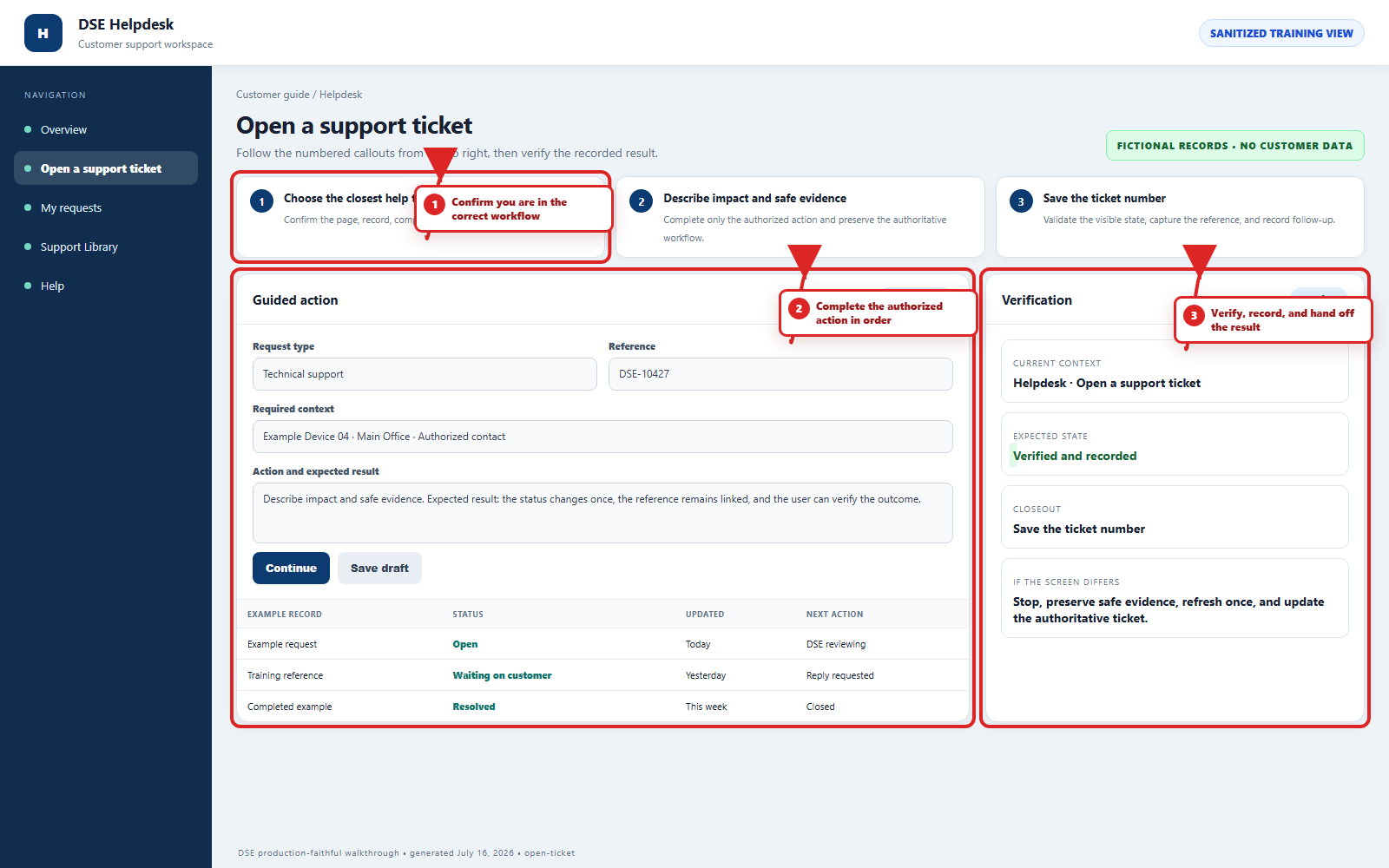
- Watch for a DSE ticket confirmation and record the ticket number.
- Reply to the confirmation thread for related updates.
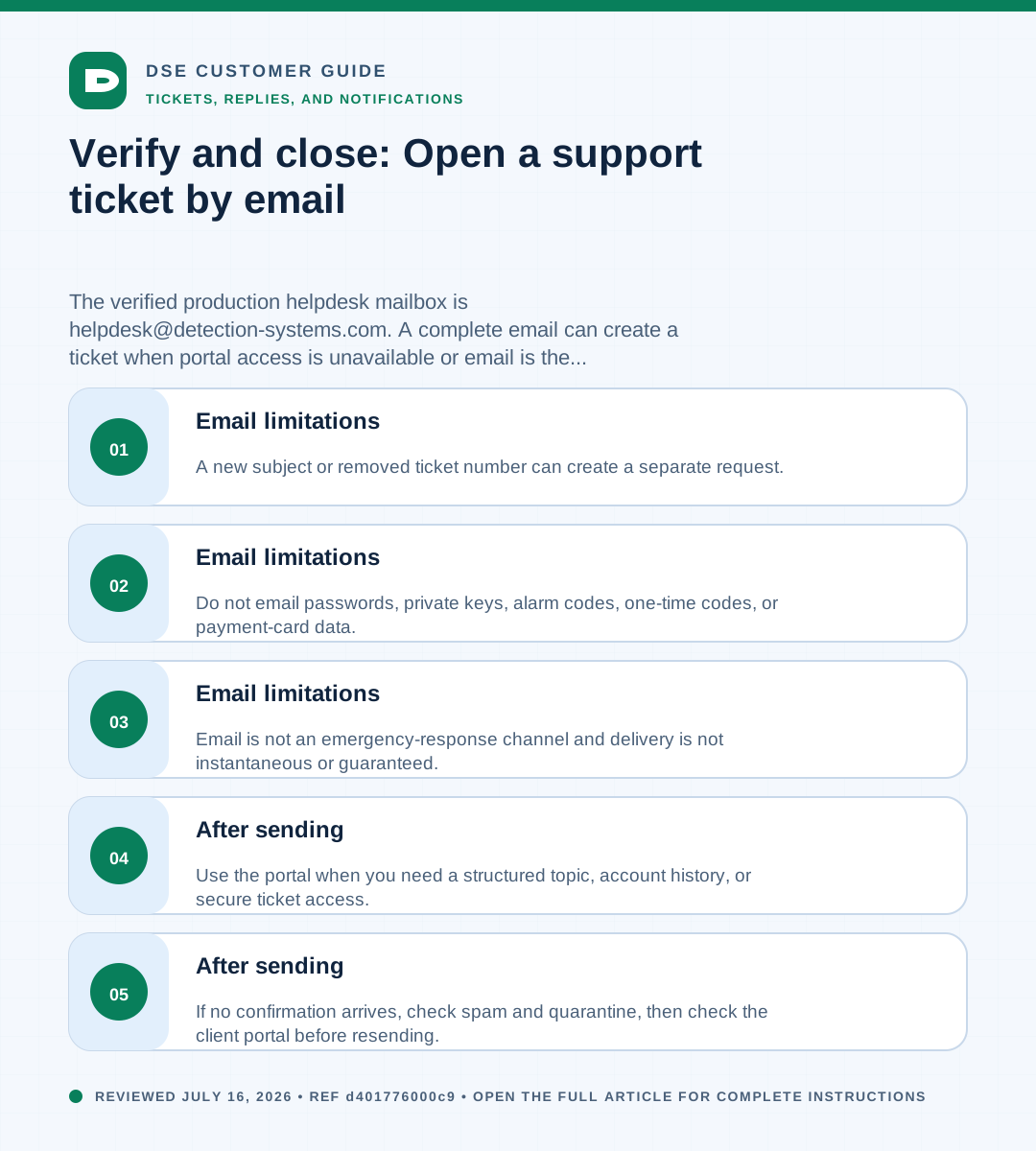
- If no confirmation arrives, check spam and quarantine, then check the client portal before resending.
- Use the portal when you need a structured topic, account history, or secure ticket access.
04Email limitations
- Email is not an emergency-response channel and delivery is not instantaneous or guaranteed.
- Do not email passwords, private keys, alarm codes, one-time codes, or payment-card data.
- A new subject or removed ticket number can create a separate request.
Need a person?
Contact DSE Support →
Open a service request with the details you have.
Include the site, affected device or user, exact error, when it started, urgency, and screenshots when available.