
Avoid duplicate requests and keep one complete conversation
Summary: One complete ticket is easier to route, prioritize, troubleshoot, schedule, and audit than several partial requests for the same issue.
AudienceDSE customers and authorized contacts
Procedure3 guided sections
Checklist11 specific actions
ReviewedJuly 16, 2026
Visual walkthrough4 visual references for this procedure
01Update the existing ticket when
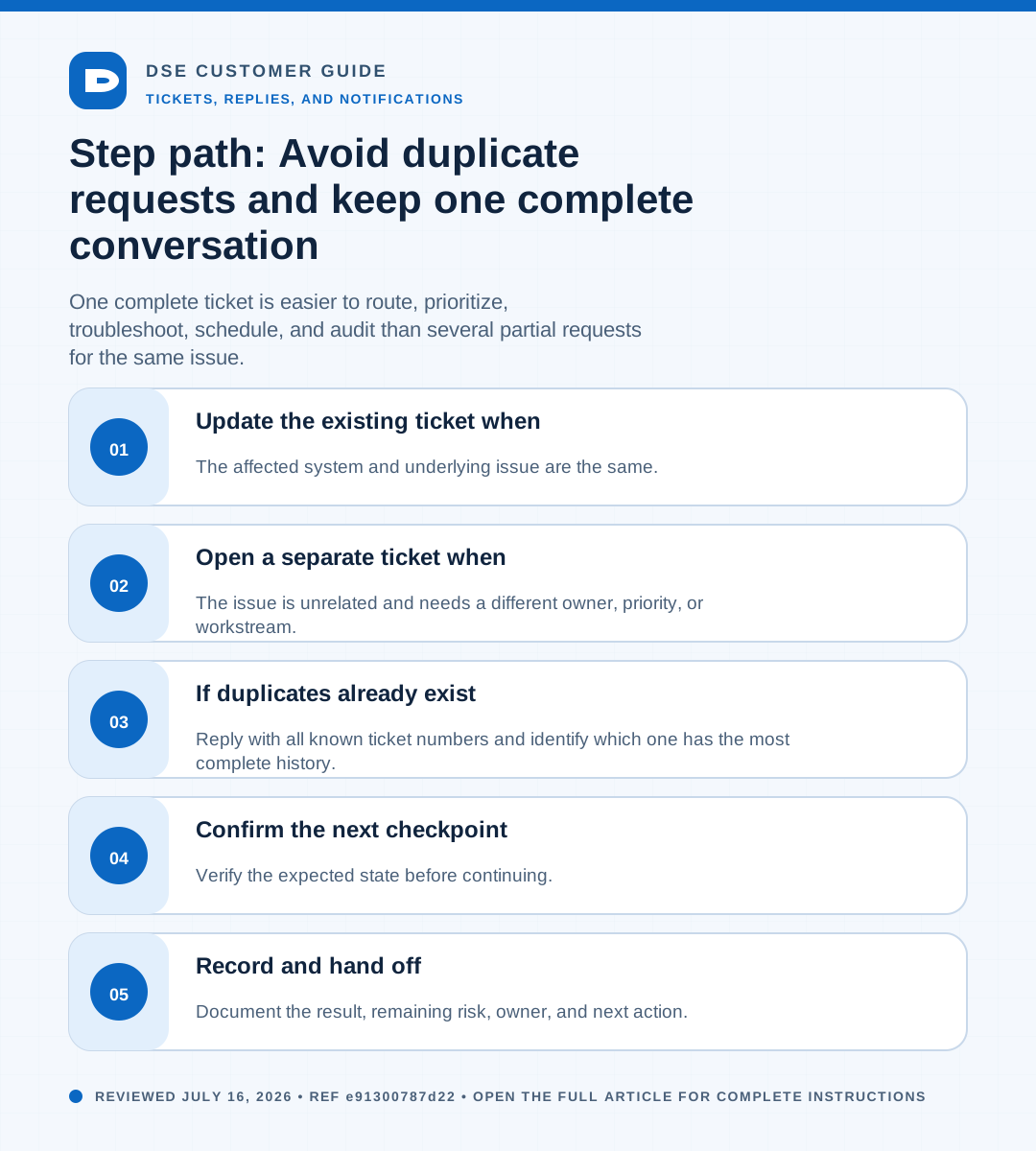
- The affected system and underlying issue are the same.
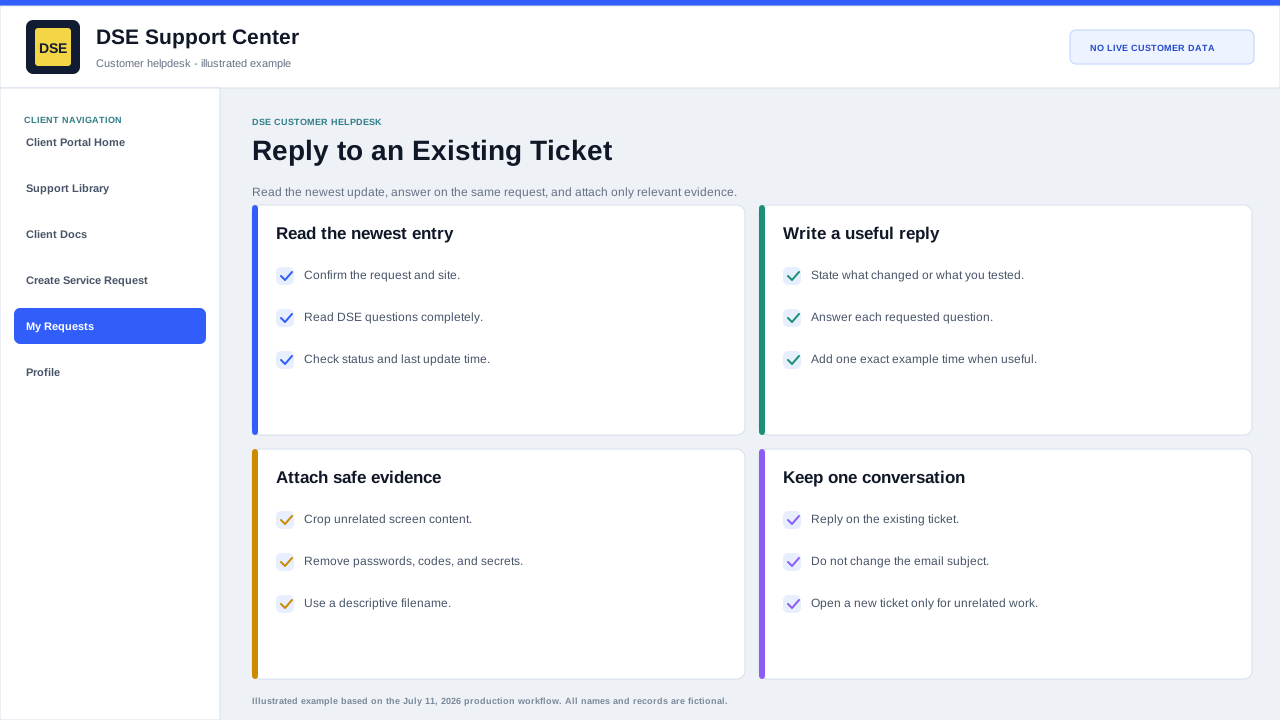
- You have a new error, screenshot, timestamp, test result, or business-impact update.
- You are answering a DSE question or providing scheduling availability.
- The issue returned shortly after the same attempted resolution.
02Open a separate ticket when
- The issue is unrelated and needs a different owner, priority, or workstream.
- A different site or system has a separate symptom and timeline.
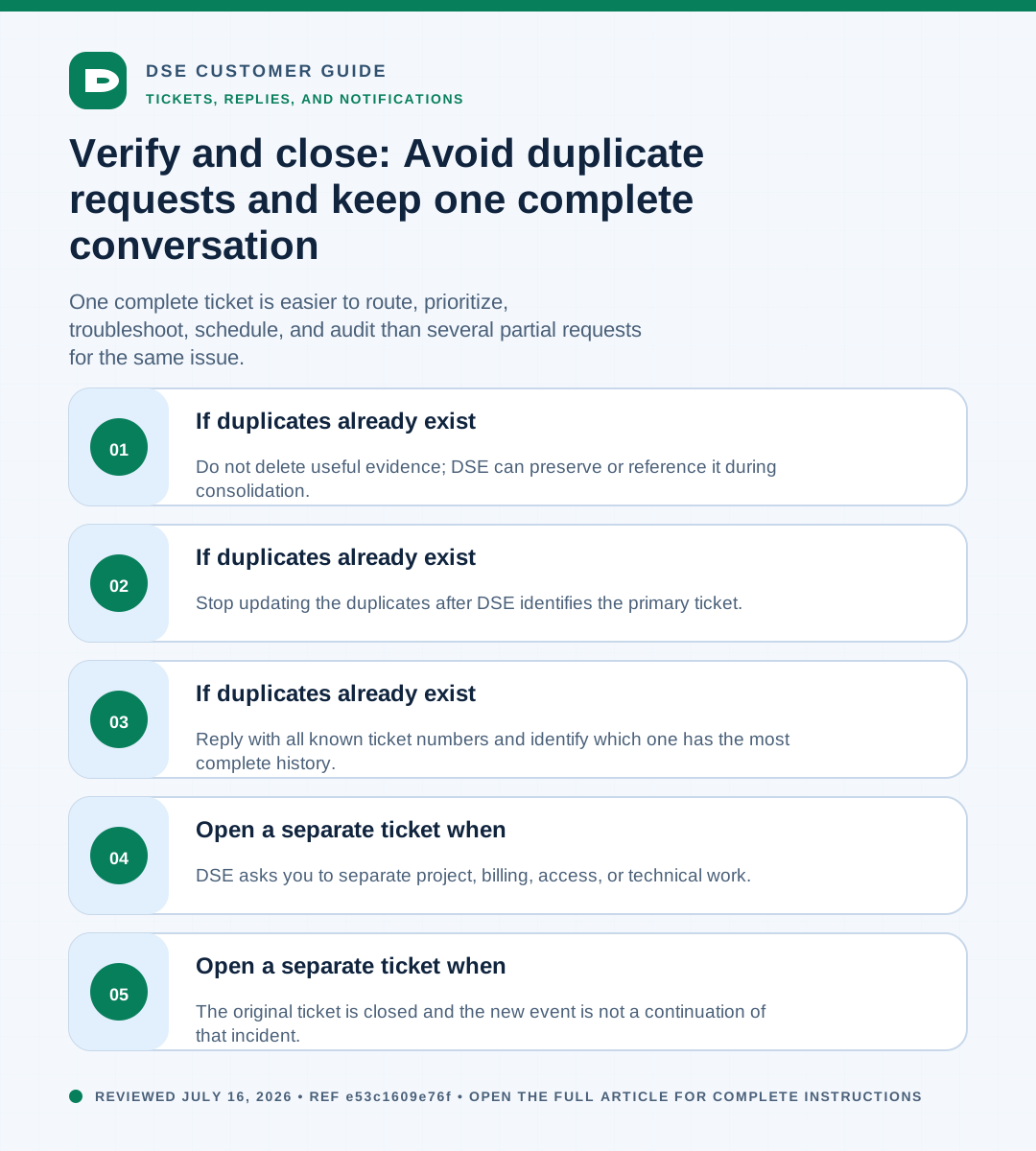
- The original ticket is closed and the new event is not a continuation of that incident.
- DSE asks you to separate project, billing, access, or technical work.
03If duplicates already exist
- Reply with all known ticket numbers and identify which one has the most complete history.
- Stop updating the duplicates after DSE identifies the primary ticket.
- Do not delete useful evidence; DSE can preserve or reference it during consolidation.
Need a person?
Contact DSE Support →
Open a service request with the details you have.
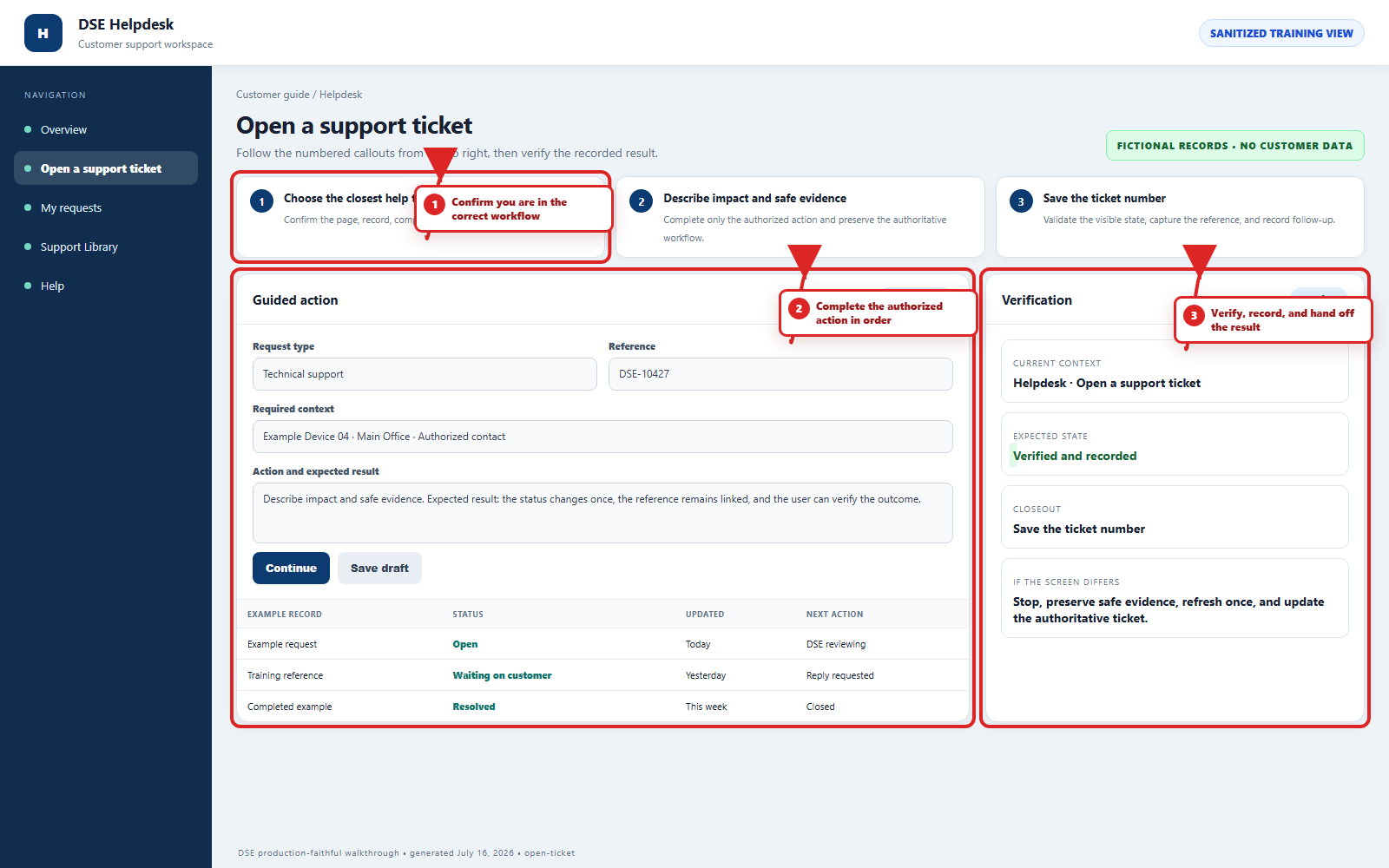
Include the site, affected device or user, exact error, when it started, urgency, and screenshots when available.