
Alarm, intrusion, and intercom issue checklist
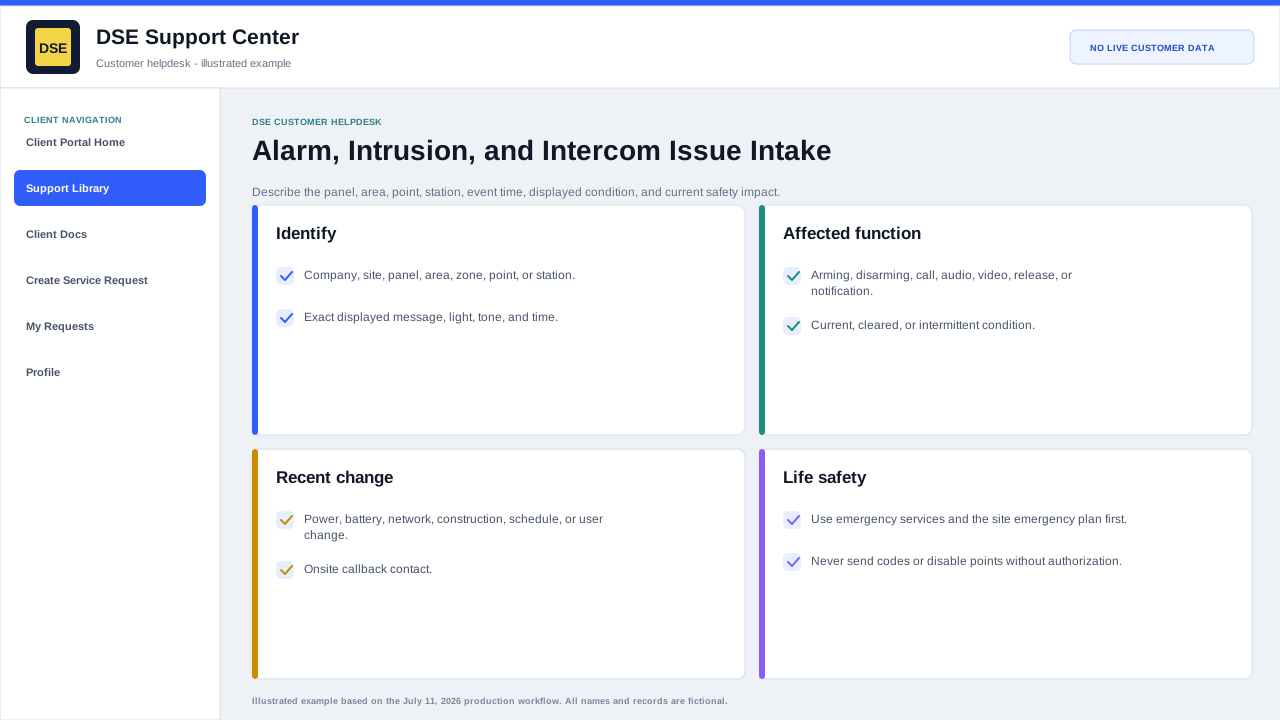
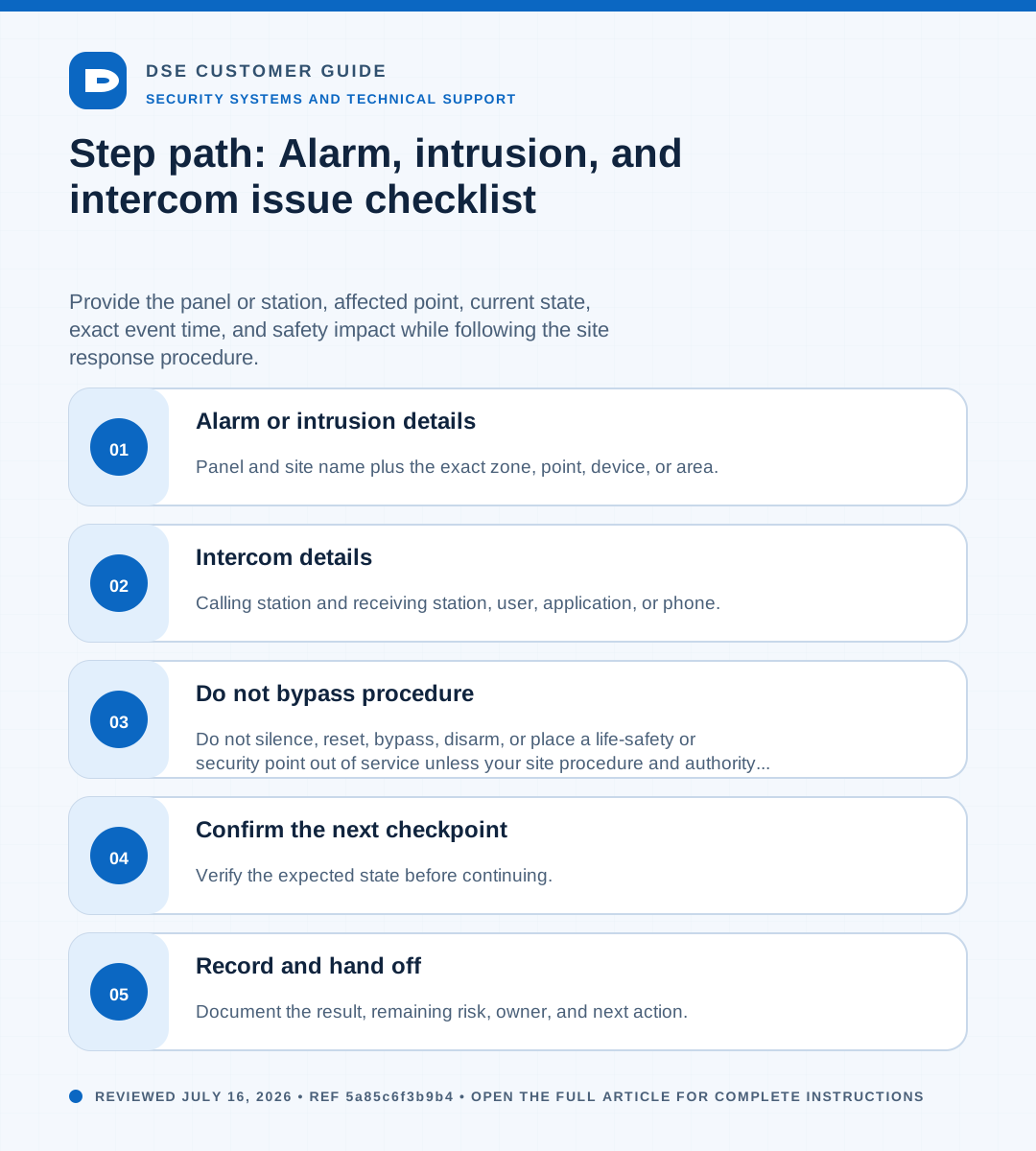
Summary: Provide the panel or station, affected point, current state, exact event time, and safety impact while following the site response procedure.
AudienceDSE customers and authorized contacts
Procedure3 guided sections
Checklist12 specific actions
ReviewedJuly 16, 2026
Visual walkthrough4 visual references for this procedure
01Alarm or intrusion details
- Panel and site name plus the exact zone, point, device, or area.
- Displayed trouble, fault, alarm, bypass, communication, battery, or tamper message.
- Whether the condition is active, restored, intermittent, or a repeated false event.
- Exact event time, arming state, and what occurred immediately before the event.
- Whether central monitoring, site security, or emergency services are already involved.
02Intercom details
- Calling station and receiving station, user, application, or phone.
- Whether call setup, audio, video, door release, directory, or notification is affected.
- One-way or two-way audio result and whether the issue occurs on every call.
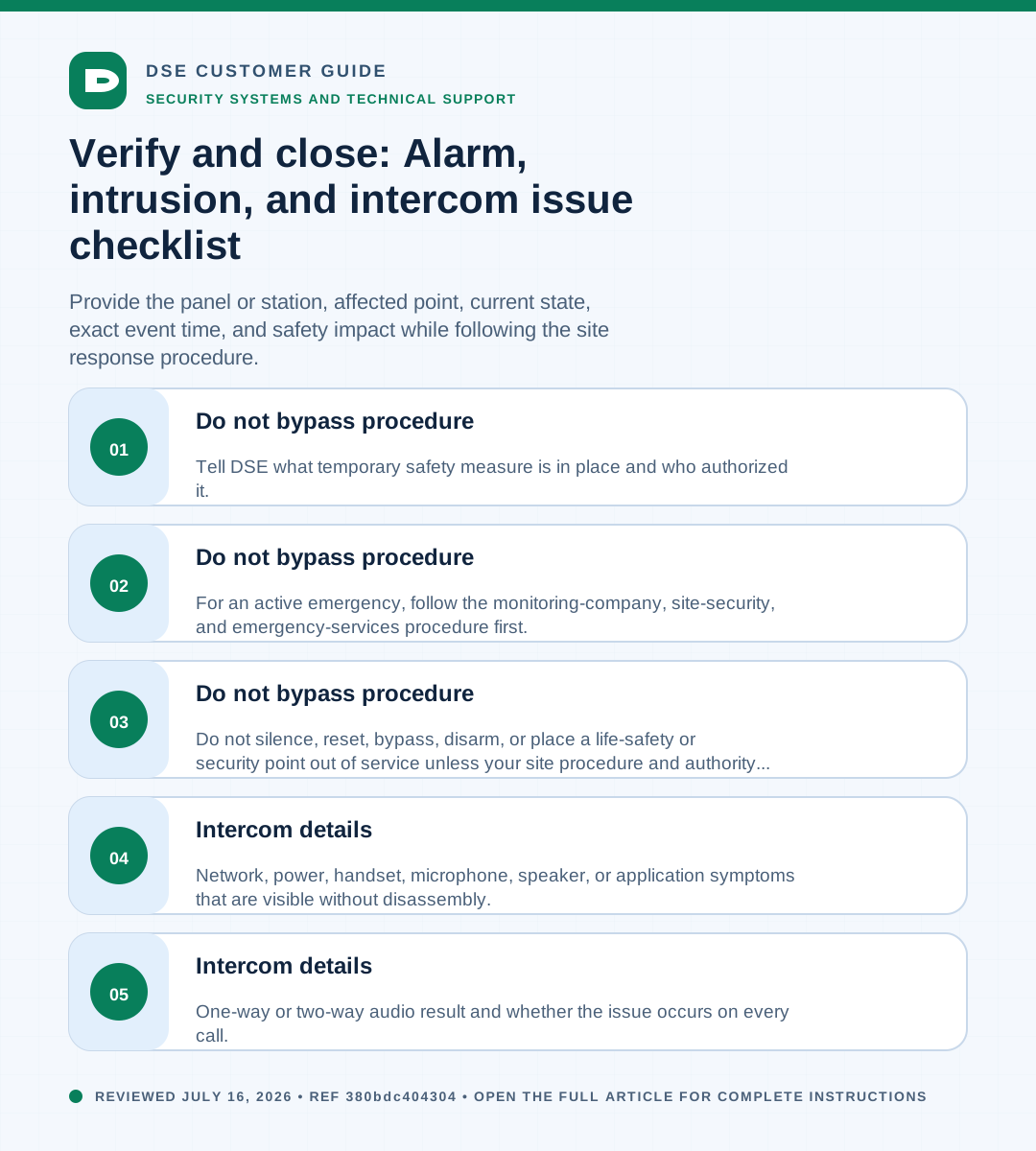
- Network, power, handset, microphone, speaker, or application symptoms that are visible without disassembly.
03Do not bypass procedure
- Do not silence, reset, bypass, disarm, or place a life-safety or security point out of service unless your site procedure and authority permit it.
- For an active emergency, follow the monitoring-company, site-security, and emergency-services procedure first.
- Tell DSE what temporary safety measure is in place and who authorized it.
Need a person?
Contact DSE Support →
Open a service request with the details you have.
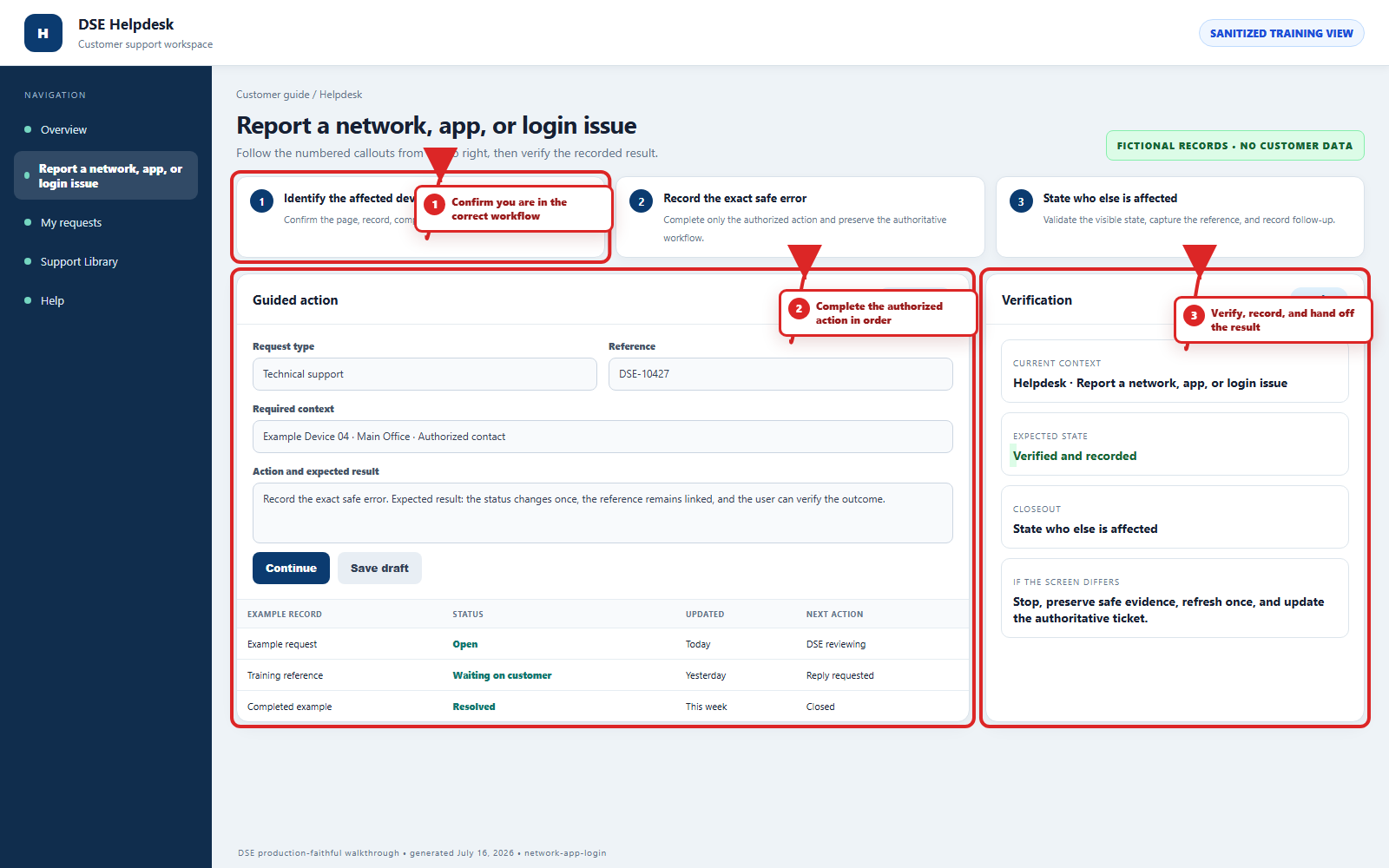
Include the site, affected device or user, exact error, when it started, urgency, and screenshots when available.