
Network, workstation, application, and login issue checklist
Summary: Separate one-device, one-user, one-site, and company-wide symptoms and include the exact device, connection, application, account, error, and recent change.
AudienceDSE customers and authorized contacts
Procedure3 guided sections
Checklist14 specific actions
ReviewedJuly 16, 2026
Visual walkthrough4 visual references for this procedure
01Network and workstation details
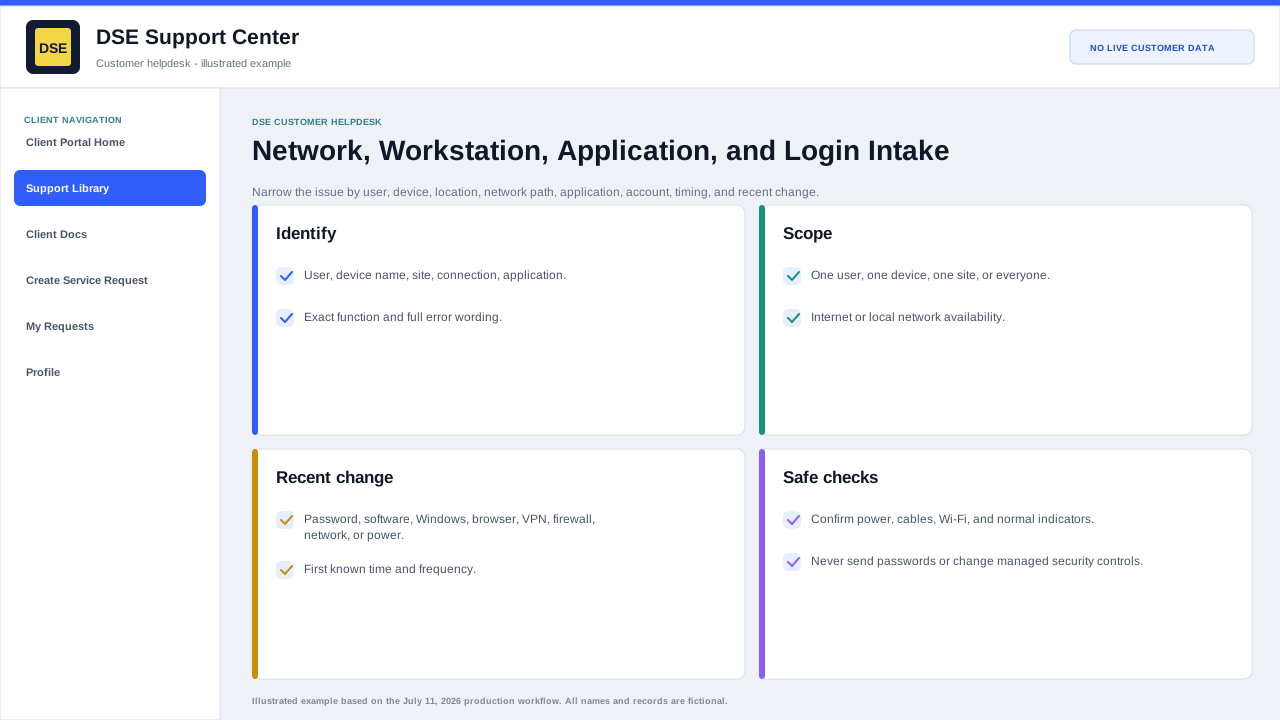
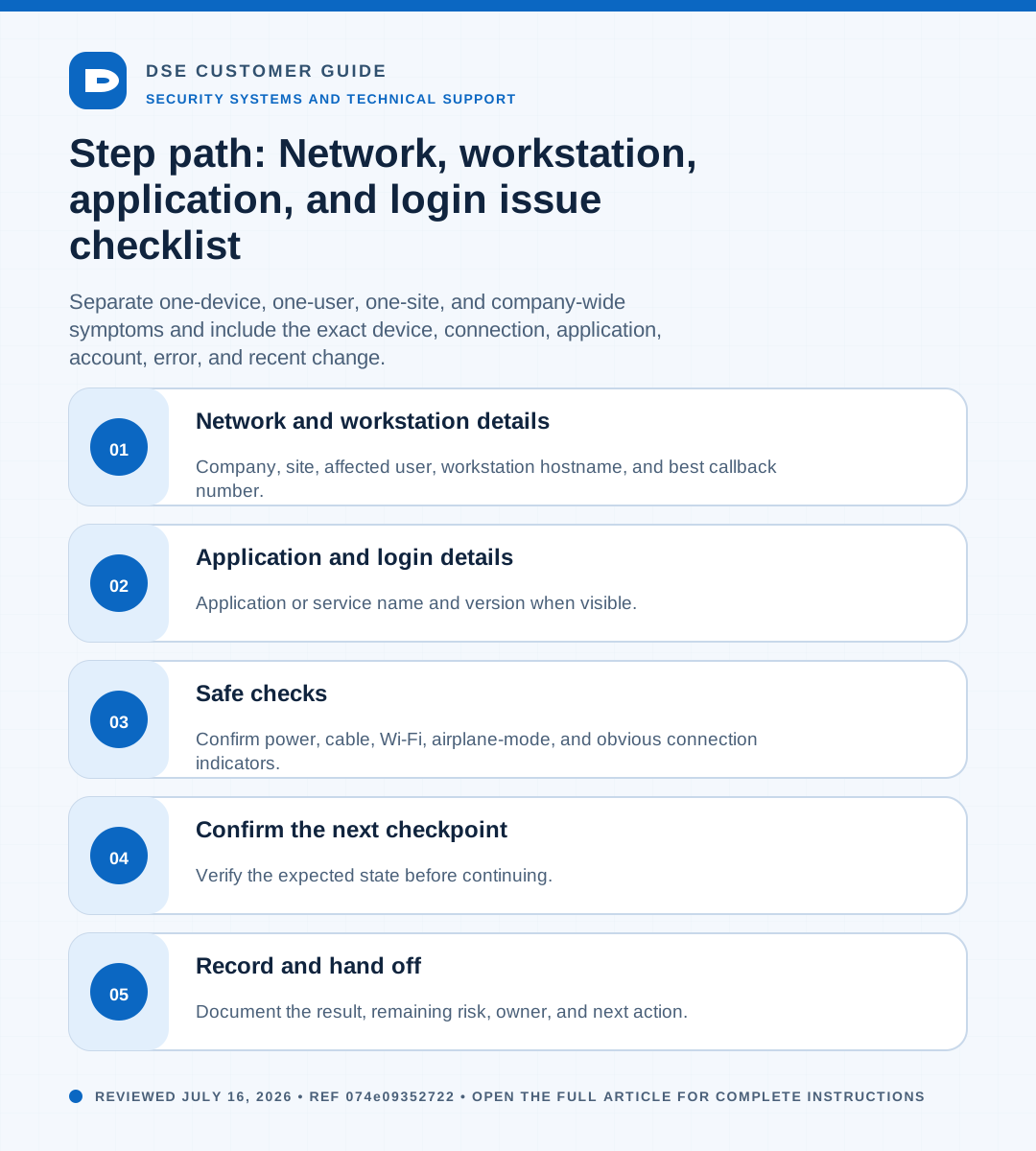
- Company, site, affected user, workstation hostname, and best callback number.
- Wired, wireless, VPN, remote-access, or internet connection being used.
- Whether other users, devices, websites, or applications work from the same location.
- Connection state, exact error, and when the device last worked normally.
- Recent restart, update, password, cabling, network, power, or office change.
02Application and login details
- Application or service name and version when visible.
- Username or business email without sending the password.
- Sign-in method, exact error, and whether password reset was attempted.
- Device and browser or client used, and whether another authorized user can sign in.
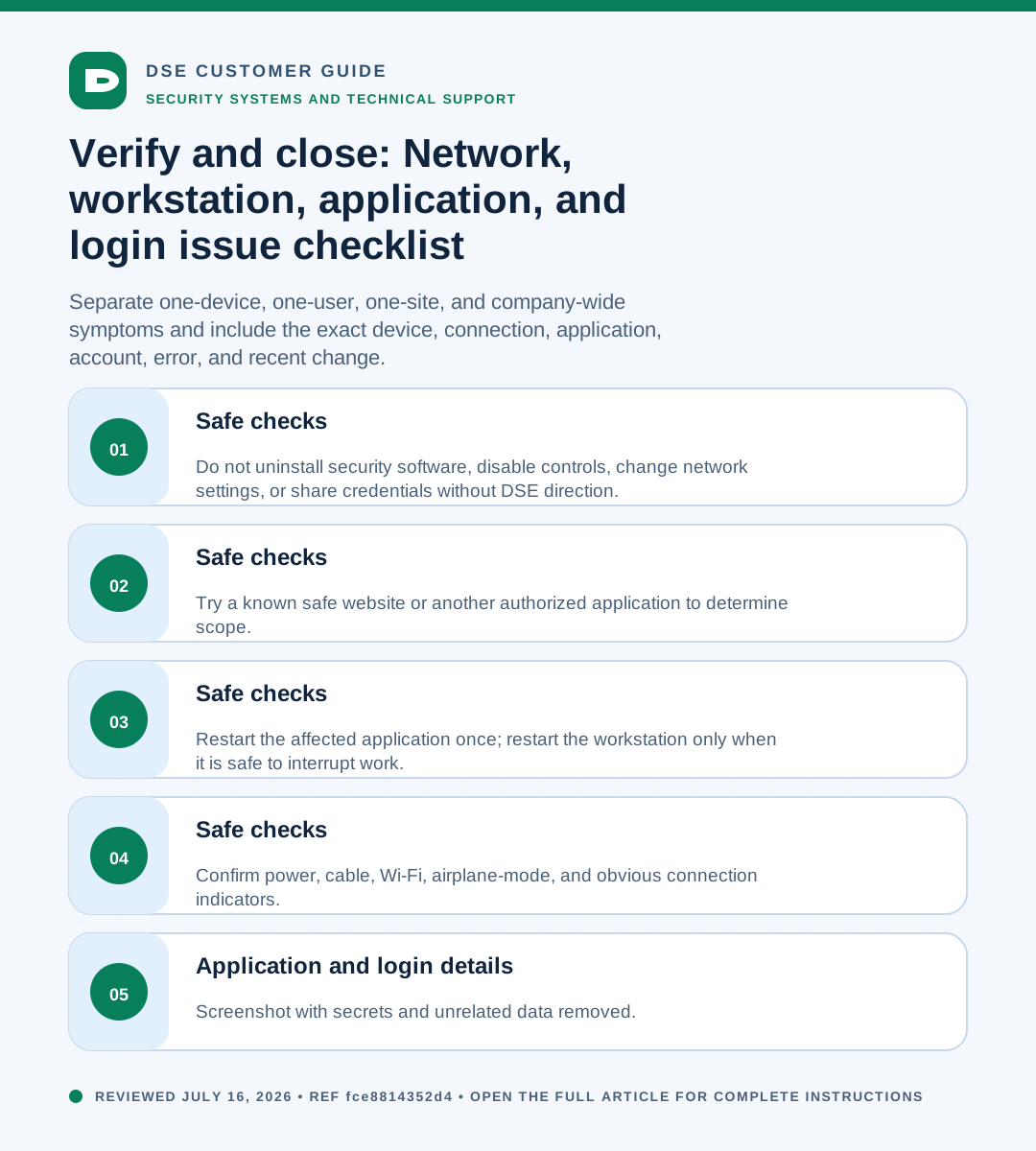
- Screenshot with secrets and unrelated data removed.
03Safe checks
- Confirm power, cable, Wi-Fi, airplane-mode, and obvious connection indicators.
- Restart the affected application once; restart the workstation only when it is safe to interrupt work.
- Try a known safe website or another authorized application to determine scope.
- Do not uninstall security software, disable controls, change network settings, or share credentials without DSE direction.
Need a person?
Contact DSE Support →
Open a service request with the details you have.
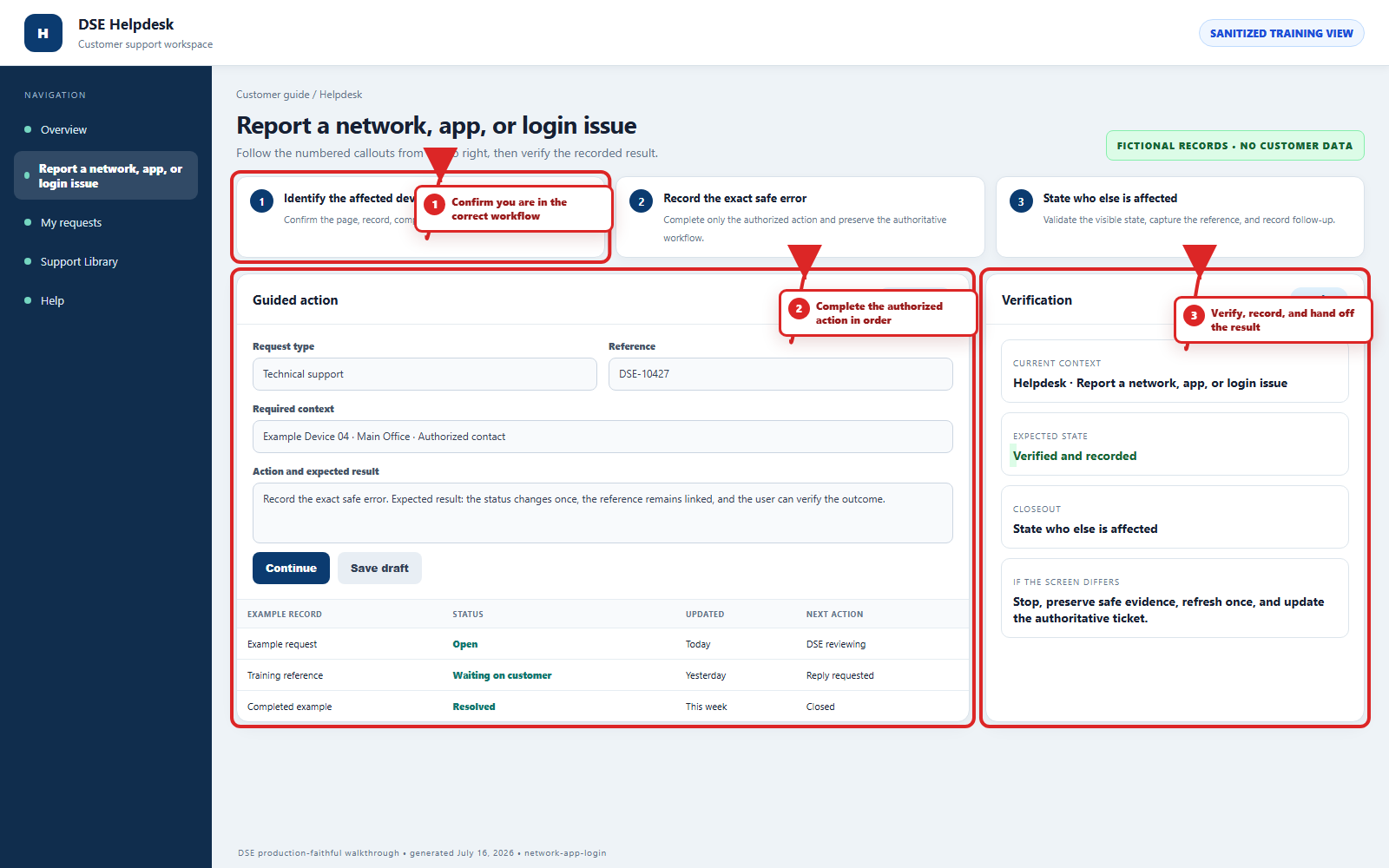
Include the site, affected device or user, exact error, when it started, urgency, and screenshots when available.