
Prepare for remote support, callbacks, and onsite service
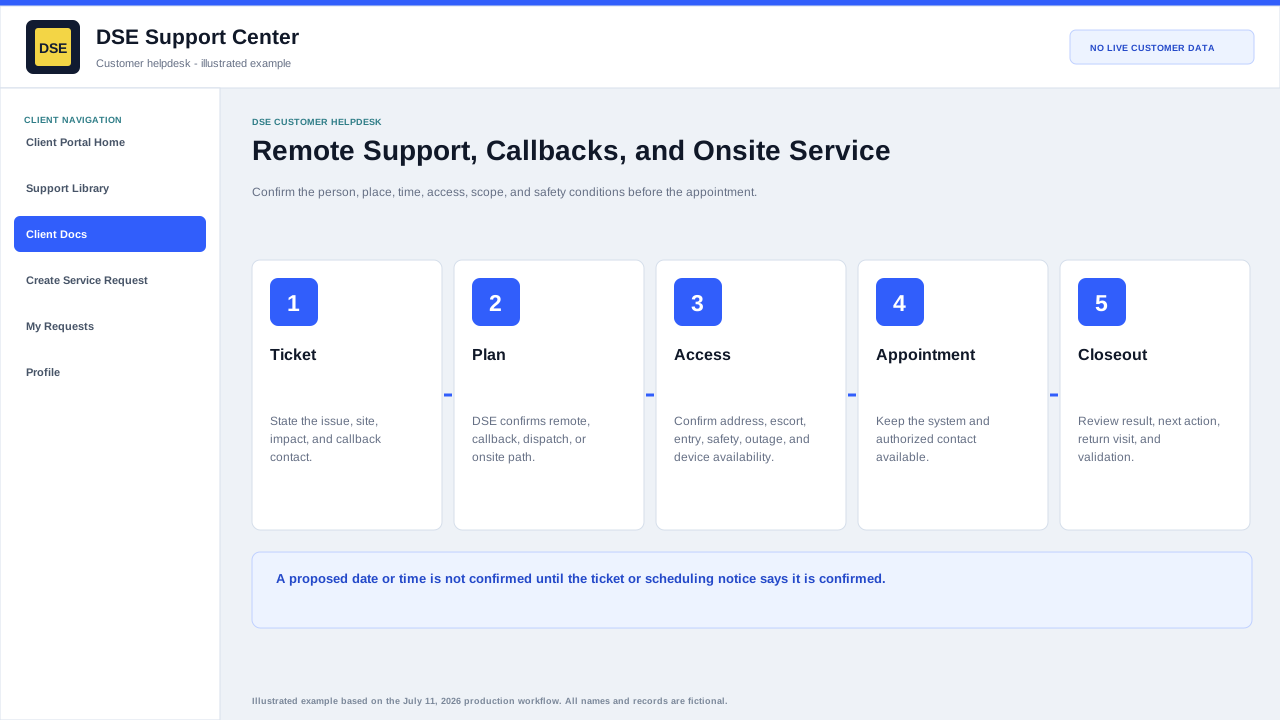
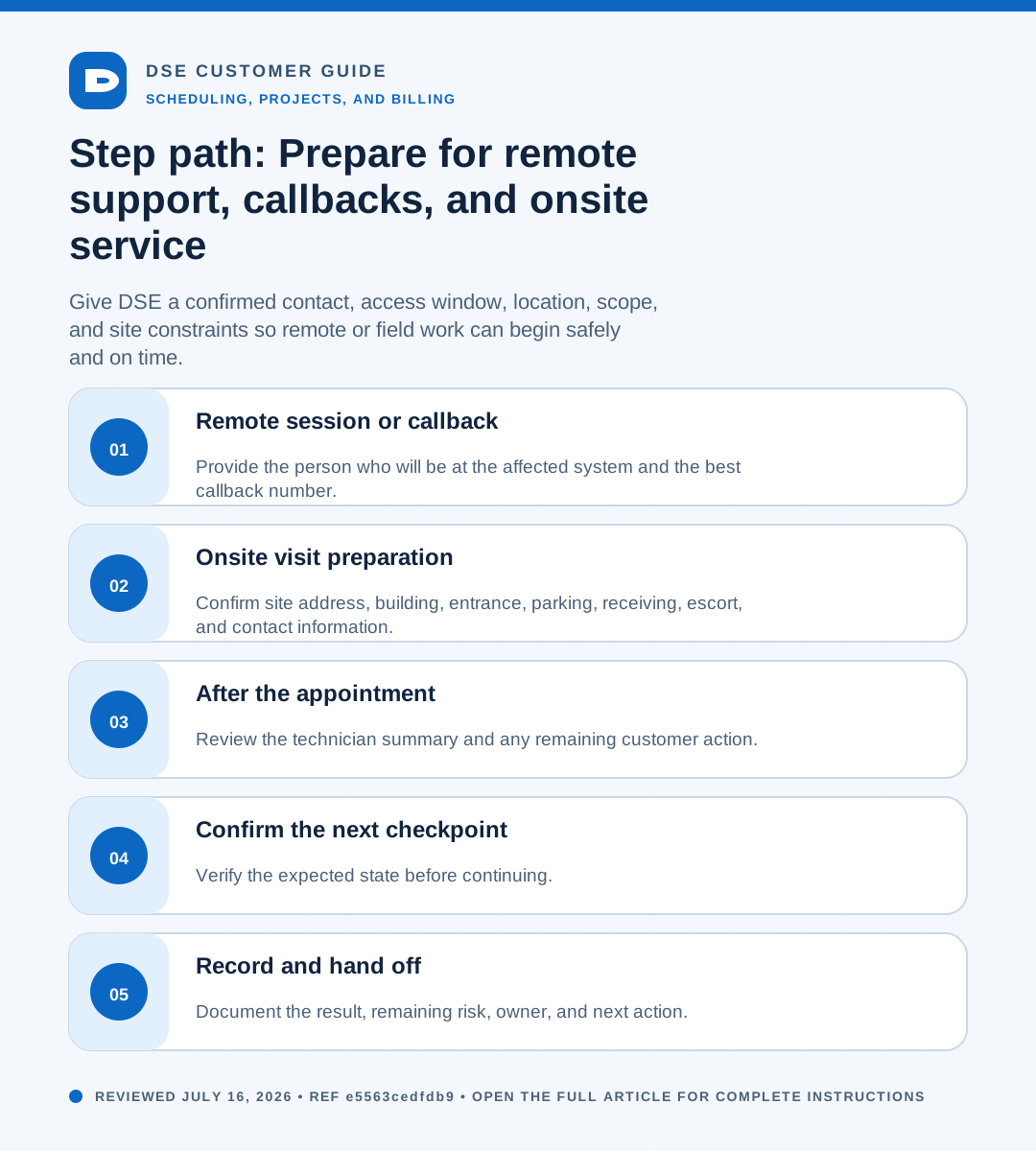
Summary: Give DSE a confirmed contact, access window, location, scope, and site constraints so remote or field work can begin safely and on time.
AudienceDSE customers and authorized contacts
Procedure3 guided sections
Checklist12 specific actions
ReviewedJuly 16, 2026
Visual walkthrough4 visual references for this procedure
01Remote session or callback
- Provide the person who will be at the affected system and the best callback number.
- List time windows with the correct time zone and any hard deadline.
- Keep the affected device powered on and connected when safe.
- Close unrelated sensitive material before screen sharing and remain available during the session.
- Use only the scheduling or connection instructions provided through the verified DSE ticket.
02Onsite visit preparation
- Confirm site address, building, entrance, parking, receiving, escort, and contact information.
- Describe access restrictions, working hours, permits, training, PPE, lift, ladder, union, or safety requirements.
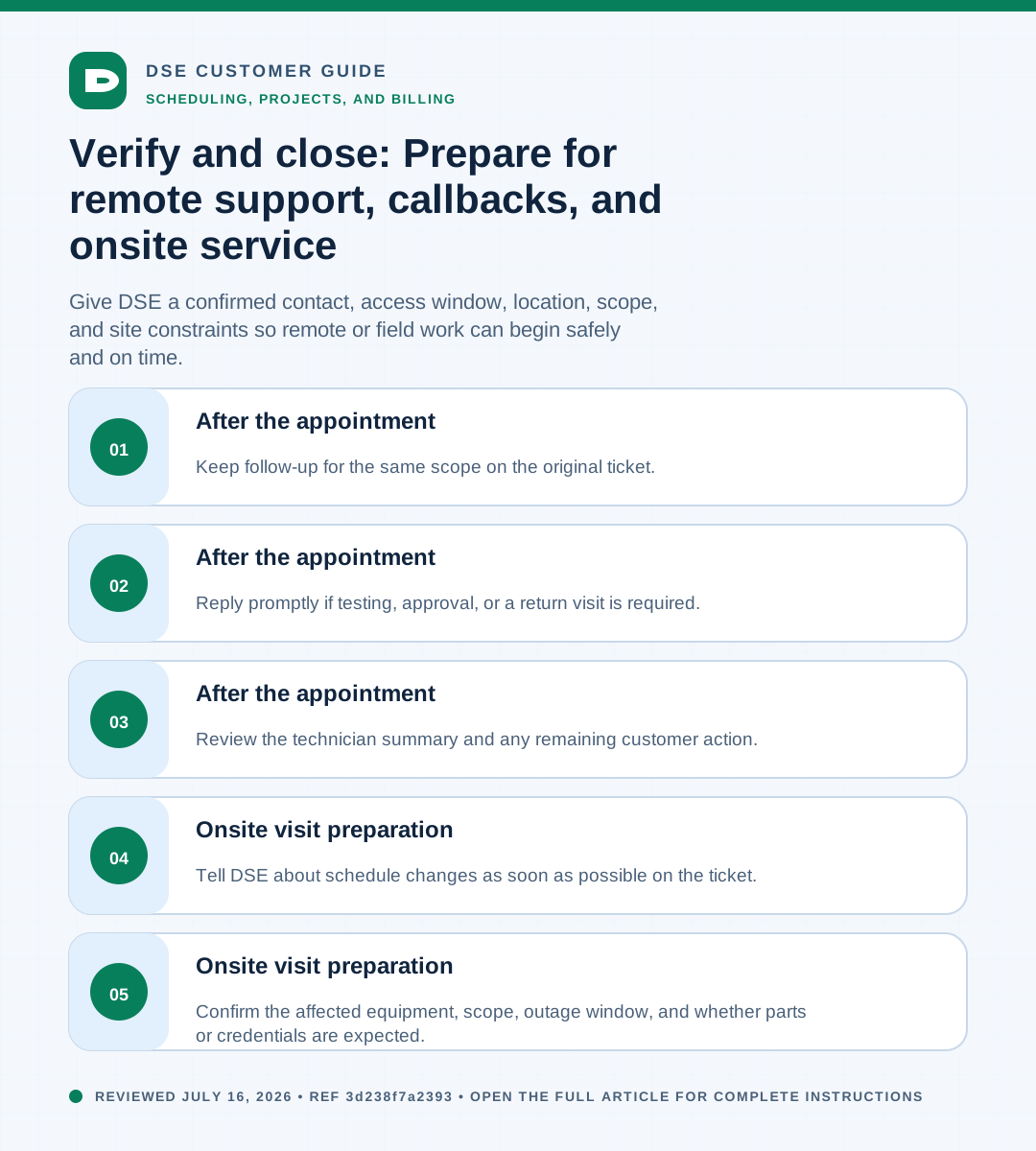
- Confirm the affected equipment, scope, outage window, and whether parts or credentials are expected.
- Tell DSE about schedule changes as soon as possible on the ticket.
03After the appointment
- Review the technician summary and any remaining customer action.
- Reply promptly if testing, approval, or a return visit is required.
- Keep follow-up for the same scope on the original ticket.
Need a person?
Contact DSE Support →
Open a service request with the details you have.
Include the site, affected device or user, exact error, when it started, urgency, and screenshots when available.