

Urgent help
Urgent Issues, Escalation, and Life Safety
State the confirmed impact, affected people or sites, workaround, start time, and safe callback contact. Do not rely on a web ticket as the only path for immediate danger or life safety.
Production address
https://helpdesk.dsesecurity.com/
Confirm HTTPS and the exact domain before entering account or ticket information.
Visual walkthrough
Open any visual for a full-size reference
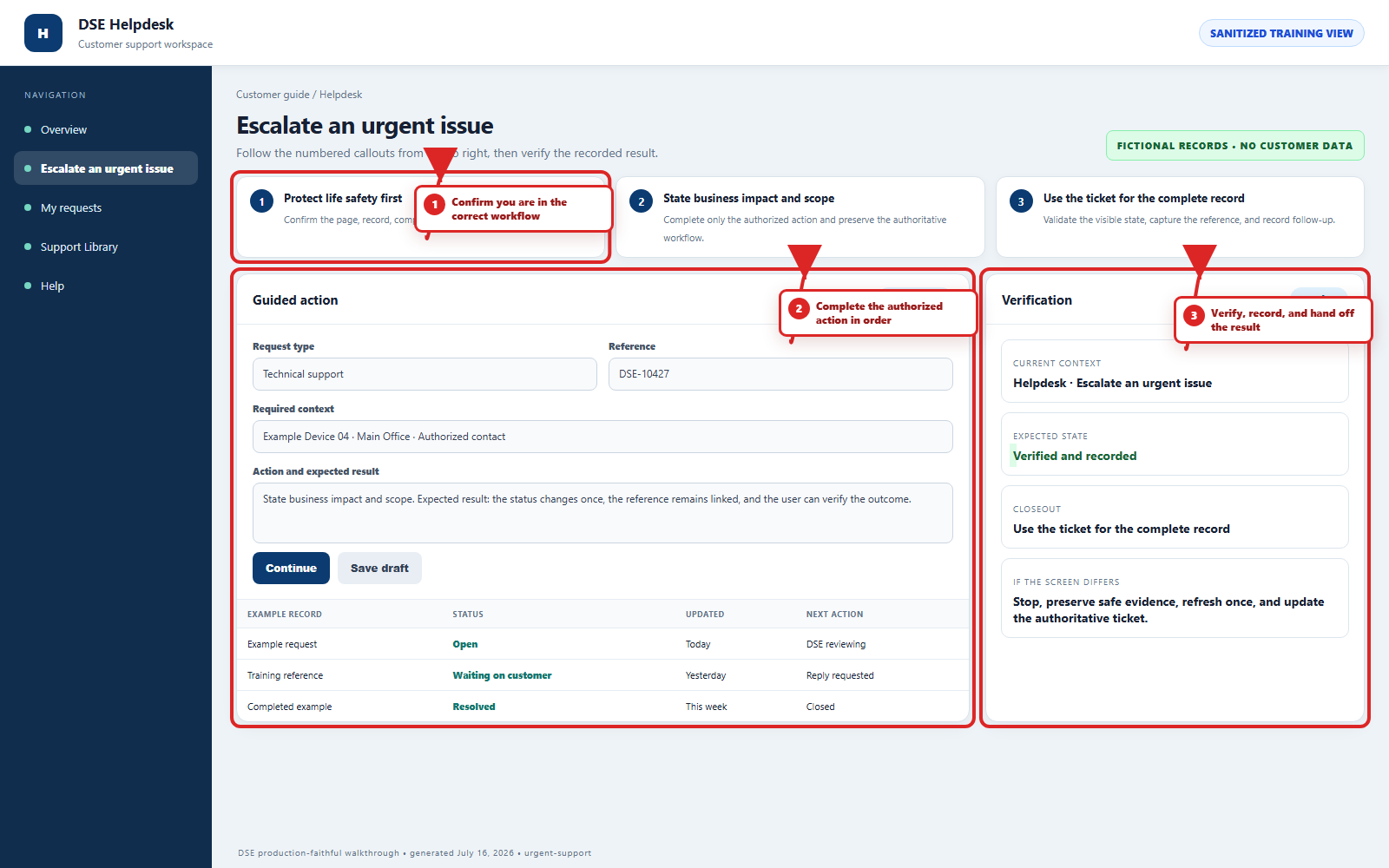
The annotated screenshot uses numbered red boxes and arrows. Read callouts 1, 2, and 3 in order, then return to the written steps below for the complete procedure.
 Open full size
 Open full size
 Open full size
1
Workflow section 1 of 3
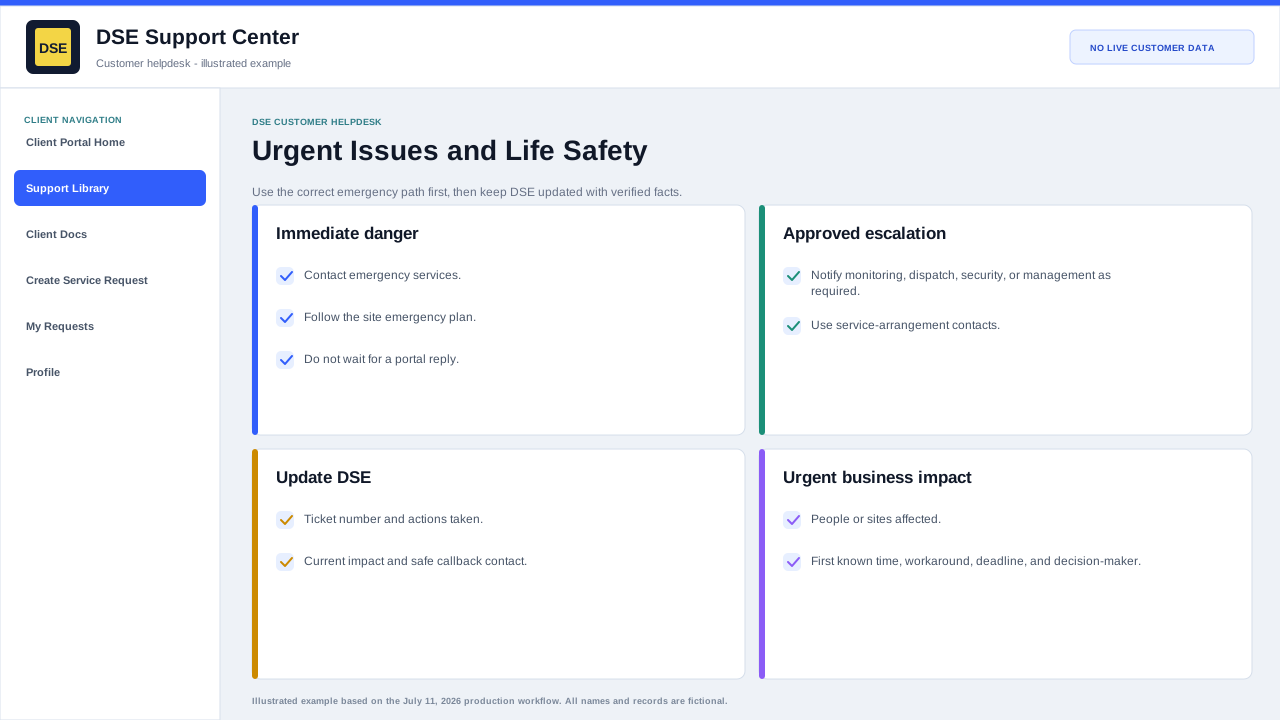
For immediate danger or life safety
-
Contact emergency services and follow the site emergency plan first.
-
Use the approved emergency, monitoring, dispatch, or escalation contact in your service arrangement.
-
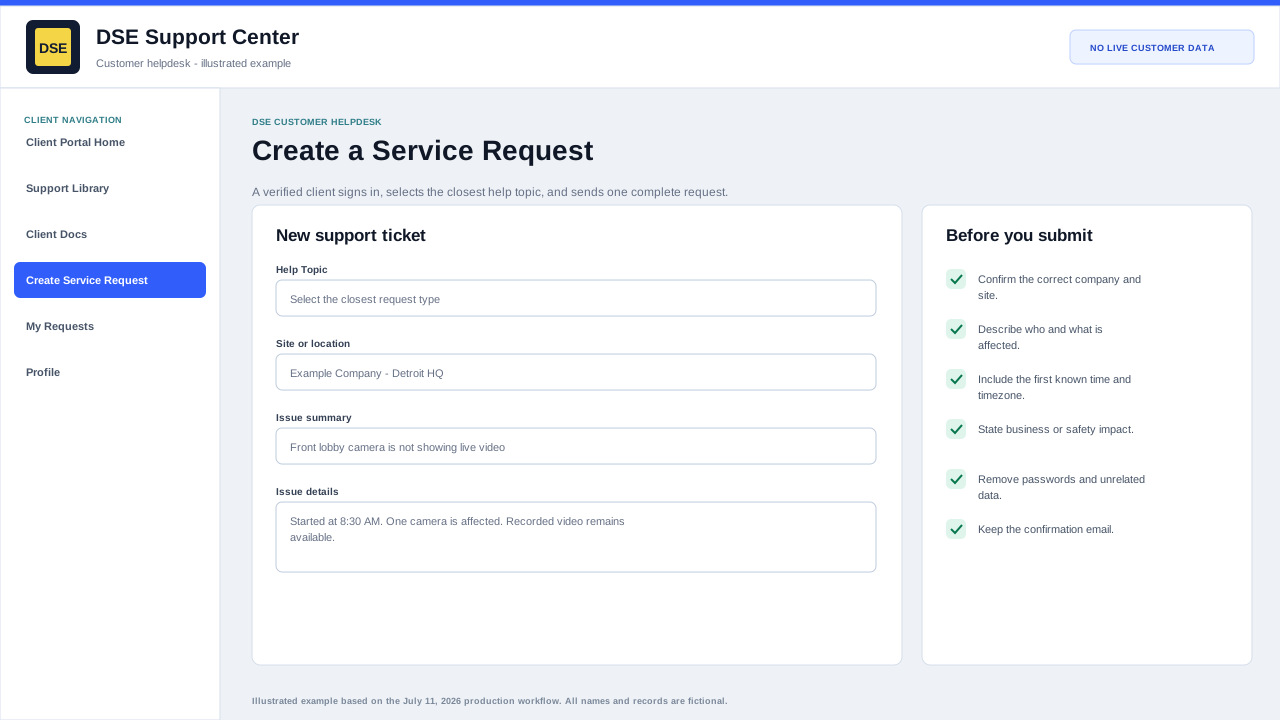
Then open or update the DSE ticket with the safe facts, actions already taken, and a current callback contact.
-
Do not delay evacuation, medical response, fire response, security response, or physical safety action while waiting for a portal reply.
2
Workflow section 2 of 3
For urgent business impact
-
State what is unavailable, how many people or sites are affected, when it started, and whether a workaround exists.
-
Identify the operational deadline and the person authorized to approve downtime, access, scope, or cost.
-
Keep one authoritative ticket and reply there with meaningful changes.
-
A selected priority begins triage but does not by itself create a guaranteed restoration time.
3
Workflow section 3 of 3
Confirm the escalation is active
-
Confirm emergency, monitoring, dispatch, site, or management contacts have been reached as required.
-
Keep a safe callback contact available and update the DSE-###### ticket with material changes.
-
Do not place credentials, codes, or unrelated personal information in the request.
-
Continue the approved site safety plan without waiting for a portal reply when immediate danger remains.
Final verification
Before you leave this guide
- Confirm context. Recheck the DSE domain, signed-in account, company or site, ticket number, device, and request type shown on screen.
- Confirm the result. Perform one harmless verification and make sure the visible status matches what you expected.
- Keep the reference. Save the DSE-###### ticket number, confirmation, or other safe reference needed to continue the same conversation.
- Stop on a mismatch. Do not repeat a high-impact action. Preserve a safe screenshot, note the time and exact error, refresh once, and update or open the correct DSE ticket.
Content owner: DSE Service Operations. Production reviewed July 16, 2026. Examples and visuals are customer-safe and use fictional data.