

Account
Profile and Account Settings
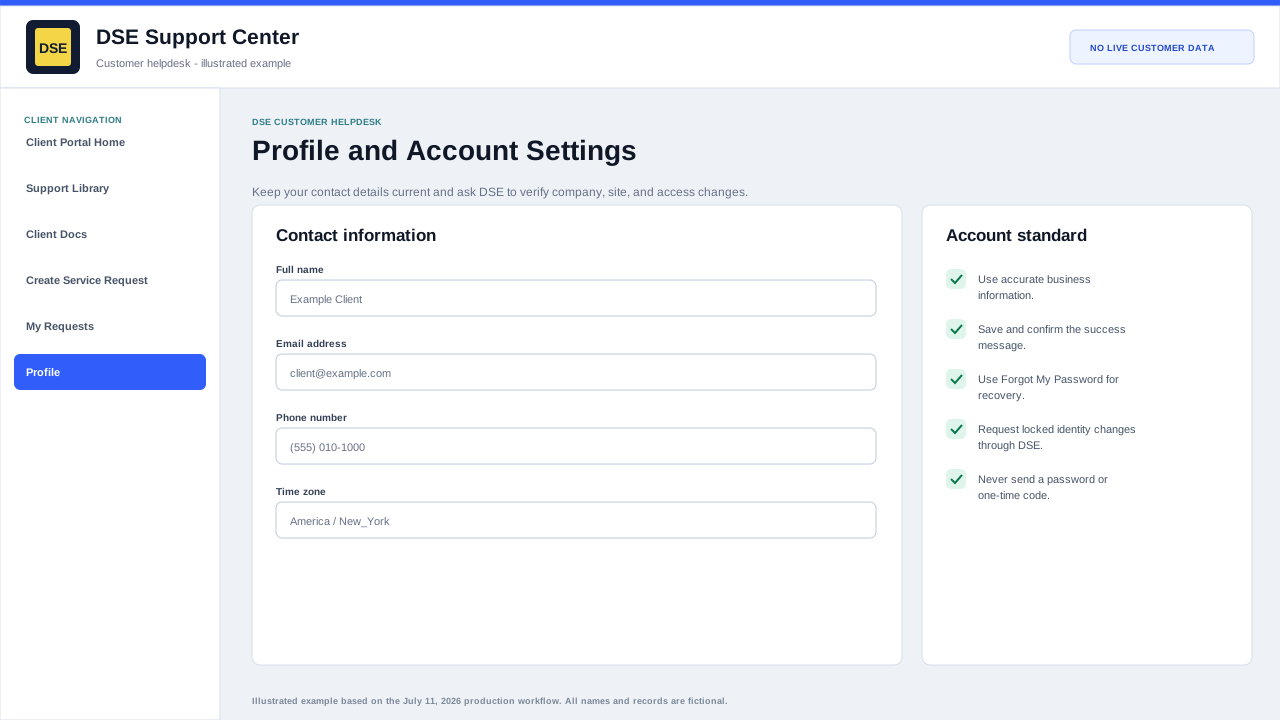
Clients should review their account information and ask DSE to verify locked identity, contact, company, or site changes.
Production address
https://helpdesk.dsesecurity.com/
Confirm HTTPS and the exact domain before entering account or ticket information.
Visual walkthrough
Open any visual for a full-size reference
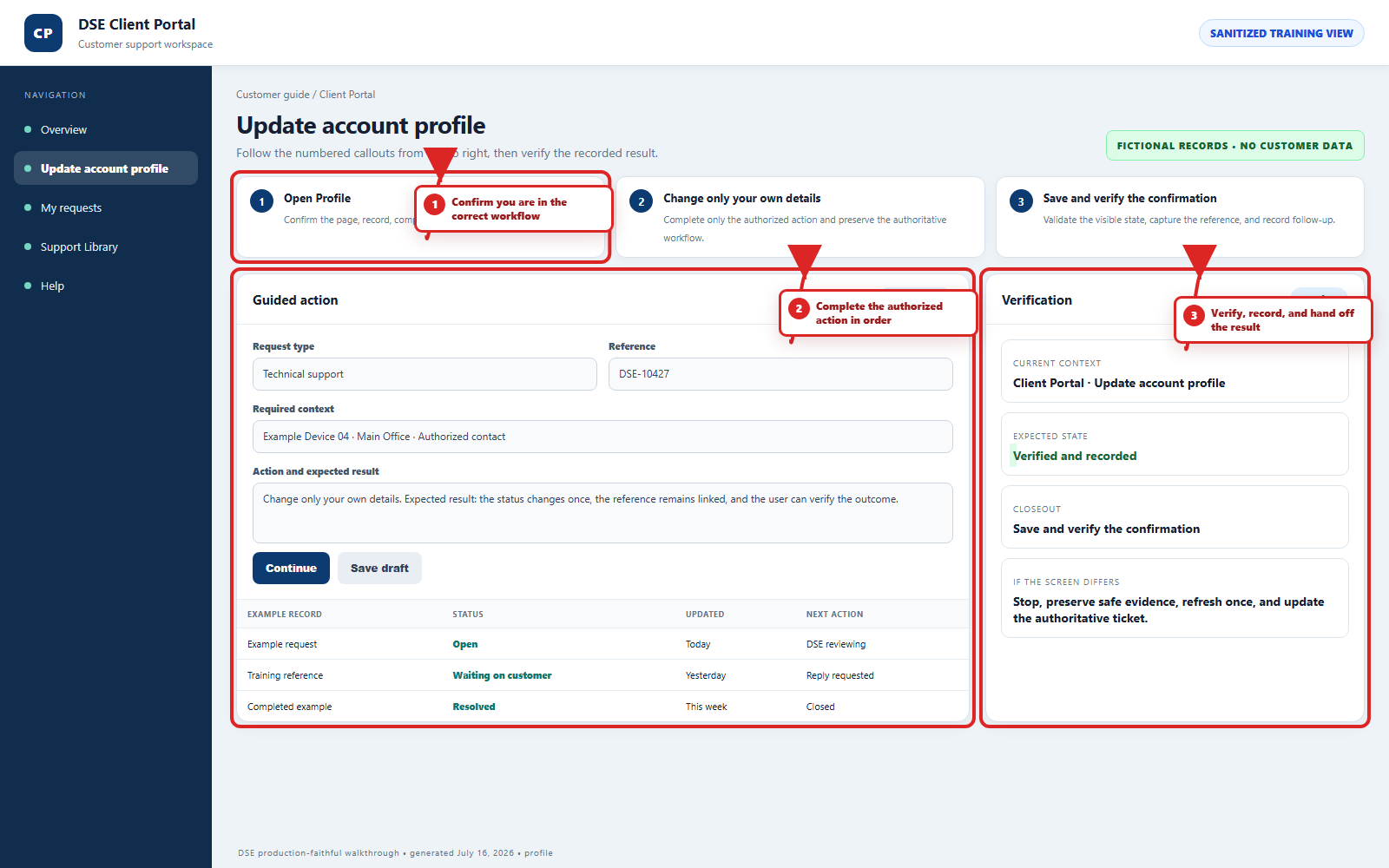
The annotated screenshot uses numbered red boxes and arrows. Read callouts 1, 2, and 3 in order, then return to the written steps below for the complete procedure.
 Open full size
 Open full size
 Open full size
1
Workflow section 1 of 4
Account information and access boundaries
-
Update only your own editable name, phone, timezone, and account settings.
-
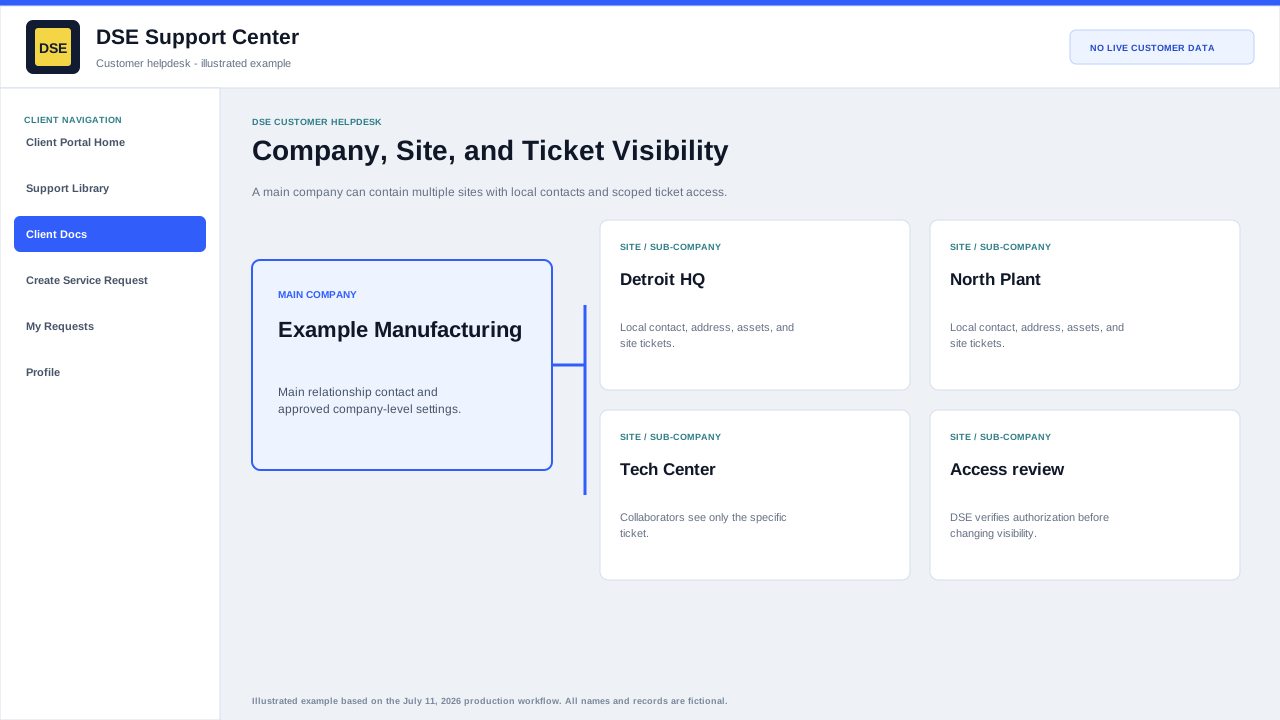
Company, site, primary-contact, sharing, and other identity changes require DSE authorization review.
-
Use a ticket to request a locked change and include your name, company, site, and business reason.
-
Tell DSE immediately when the profile or ticket list exposes unrelated customer information.
2
Workflow section 2 of 4
What to keep updated
-
Review your name, primary email address, and phone number.
-
Review your company and site information when shown.
-
Use the portal password controls only for your own password.
-
Open a support ticket when a locked identity, contact, company, or site value needs correction.
3
Workflow section 3 of 4
Why it matters
-
Accurate contact details help DSE verify the correct requester.
-
Correct phone and email details reduce delays when DSE needs more information.
-
Keeping account access current helps prevent missed replies.
4
Workflow section 4 of 4
Finish and verify the customer action
-
Wait for the confirmation page, updated conversation, email, or account message before repeating the action.
-
Confirm the customer, company, site, DSE-###### ticket, and visible status are the ones you intended.
-
Save the confirmation or reply on the same ticket when more information is needed.
-
Contact DSE immediately if account or ticket visibility includes unrelated customer information.
Final verification
Before you leave this guide
- Confirm context. Recheck the DSE domain, signed-in account, company or site, ticket number, device, and request type shown on screen.
- Confirm the result. Perform one harmless verification and make sure the visible status matches what you expected.
- Keep the reference. Save the DSE-###### ticket number, confirmation, or other safe reference needed to continue the same conversation.
- Stop on a mismatch. Do not repeat a high-impact action. Preserve a safe screenshot, note the time and exact error, refresh once, and update or open the correct DSE ticket.
Content owner: DSE Service Operations. Production reviewed July 16, 2026. Examples and visuals are customer-safe and use fictional data.