

Client portal
Client Sign In
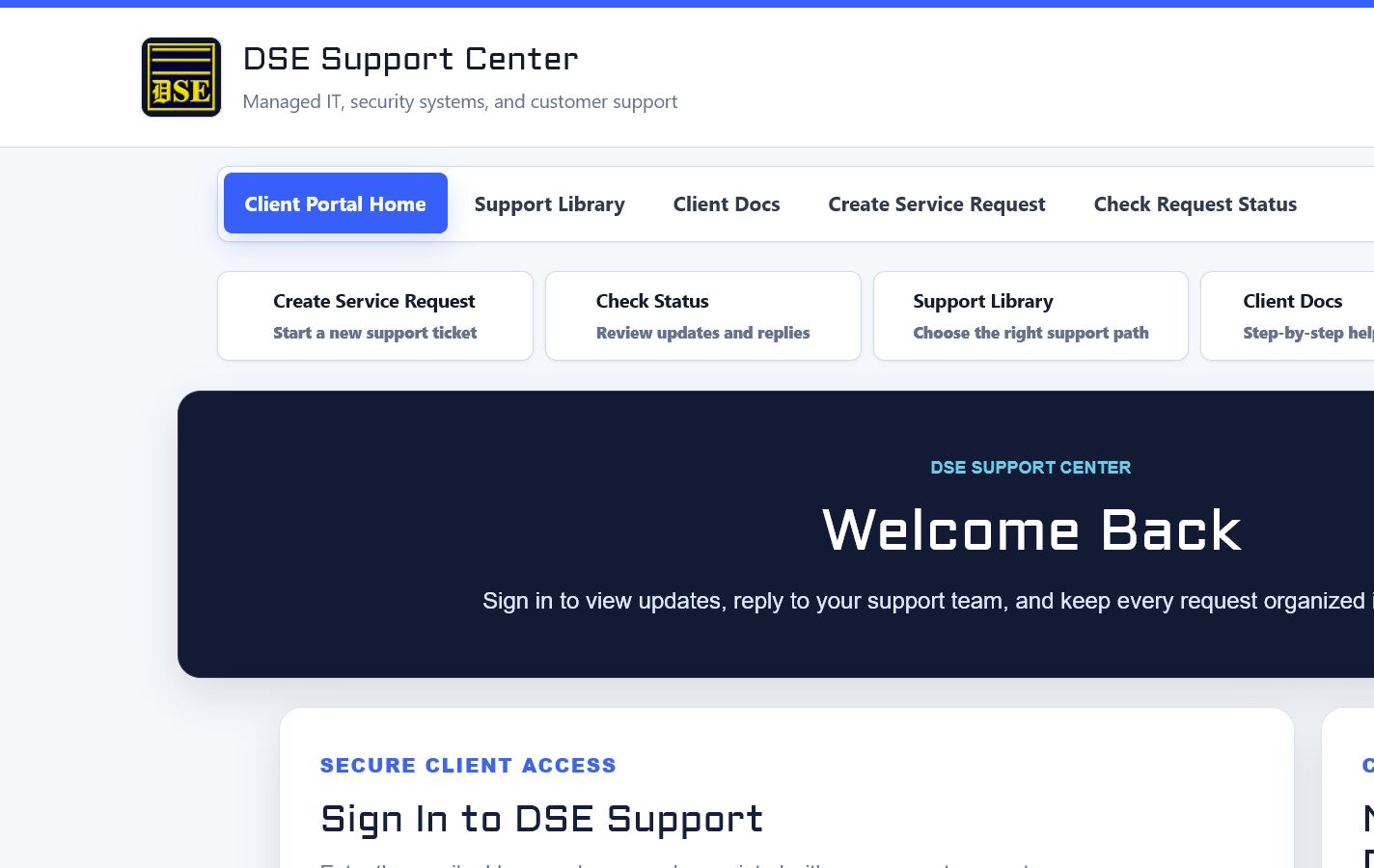
A verified client account is required to create portal tickets and gives clients access to ticket history, private replies, and account-specific information.
Production address
https://helpdesk.dsesecurity.com/
Confirm HTTPS and the exact domain before entering account or ticket information.
Visual walkthrough
Open any visual for a full-size reference
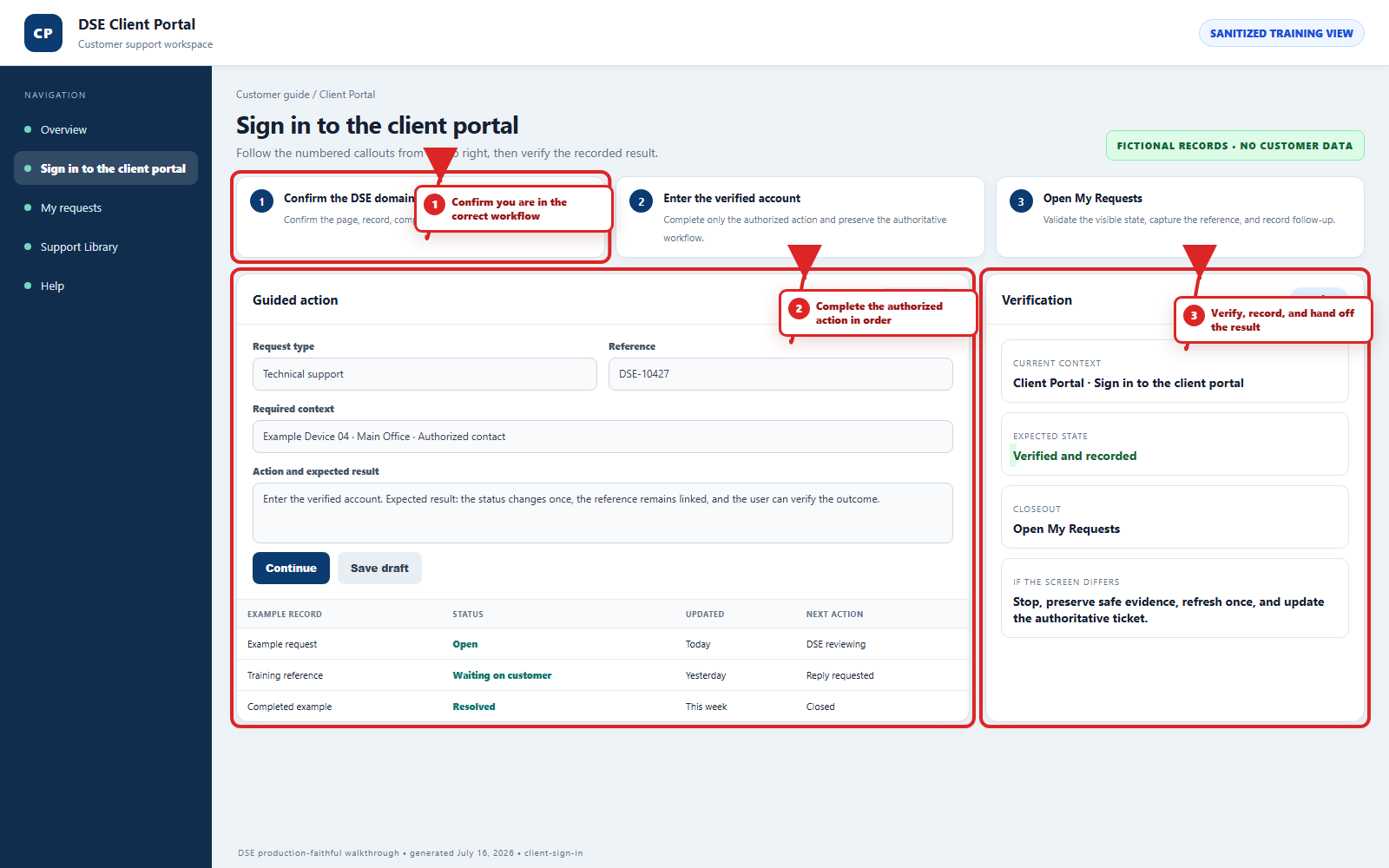
The annotated screenshot uses numbered red boxes and arrows. Read callouts 1, 2, and 3 in order, then return to the written steps below for the complete procedure.
 Open full size
 Open full size
 Open full size
1
Workflow section 1 of 4
Sign in and recover access
-
Open https://helpdesk.dsesecurity.com/login.php and confirm the Secure Client Access page.
-
Enter the verified email address or username and your own password, then select Sign In once.
-
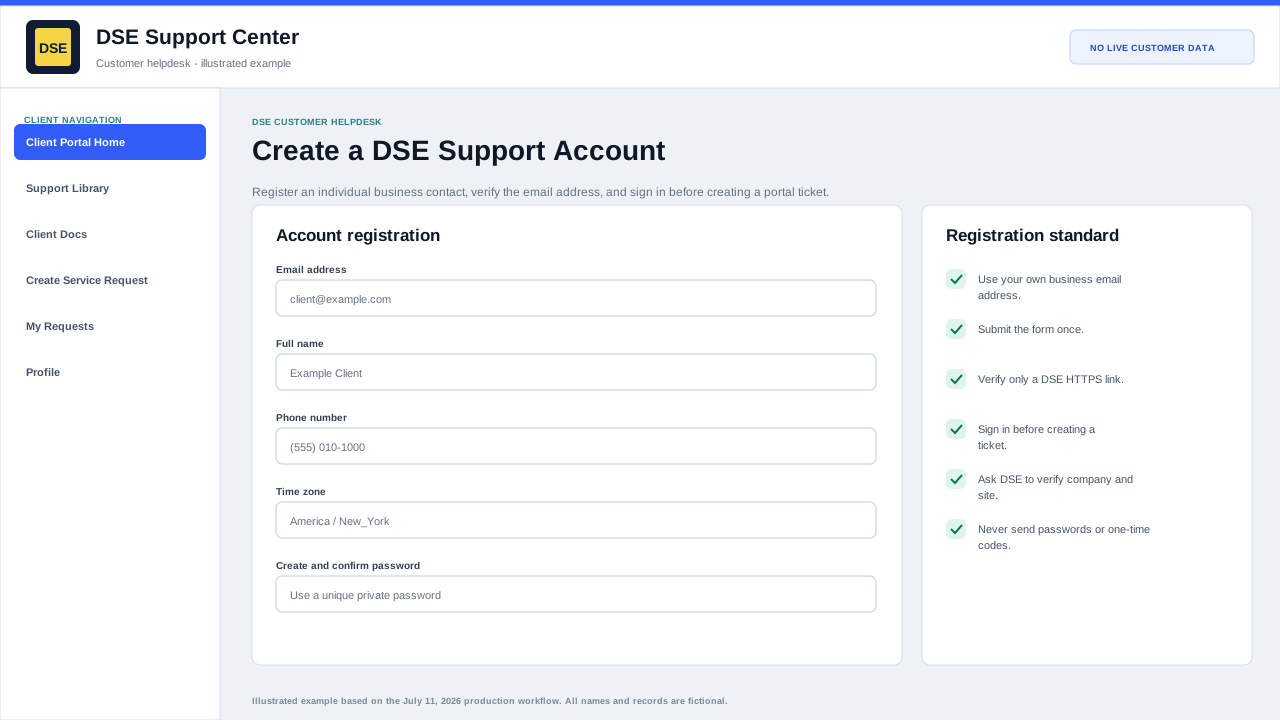
Use Forgot password? when the password is unknown; do not create a duplicate account for the same email address.
-
Check spam and quarantine for recovery mail and use only a link that points to helpdesk.dsesecurity.com over HTTPS.
-
Contact DSE when the account is locked, linked to the wrong company or site, or shows unexpected ticket access.
2
Workflow section 2 of 4
When to sign in
-
You need to see your full ticket history.
-
You want to create a new ticket through the portal.
-
You want to reply from the portal instead of email.
-
DSE has asked you to review private ticket details.
-
You need to review account or profile information.
3
Workflow section 3 of 4
If you cannot sign in
-
Use Forgot My Password to request a reset link for the email address on your account.
-
Open a support ticket if you believe your email address is not connected to the correct account.
-
You can still check a known ticket with its email address and ticket number or email helpdesk@detection-systems.com for a new request.
4
Workflow section 4 of 4
Finish and verify the customer action
-
Wait for the confirmation page, updated conversation, email, or account message before repeating the action.
-
Confirm the customer, company, site, DSE-###### ticket, and visible status are the ones you intended.
-
Save the confirmation or reply on the same ticket when more information is needed.
-
Contact DSE immediately if account or ticket visibility includes unrelated customer information.
Final verification
Before you leave this guide
- Confirm context. Recheck the DSE domain, signed-in account, company or site, ticket number, device, and request type shown on screen.
- Confirm the result. Perform one harmless verification and make sure the visible status matches what you expected.
- Keep the reference. Save the DSE-###### ticket number, confirmation, or other safe reference needed to continue the same conversation.
- Stop on a mismatch. Do not repeat a high-impact action. Preserve a safe screenshot, note the time and exact error, refresh once, and update or open the correct DSE ticket.
Content owner: DSE Service Operations. Production reviewed July 16, 2026. Examples and visuals are customer-safe and use fictional data.